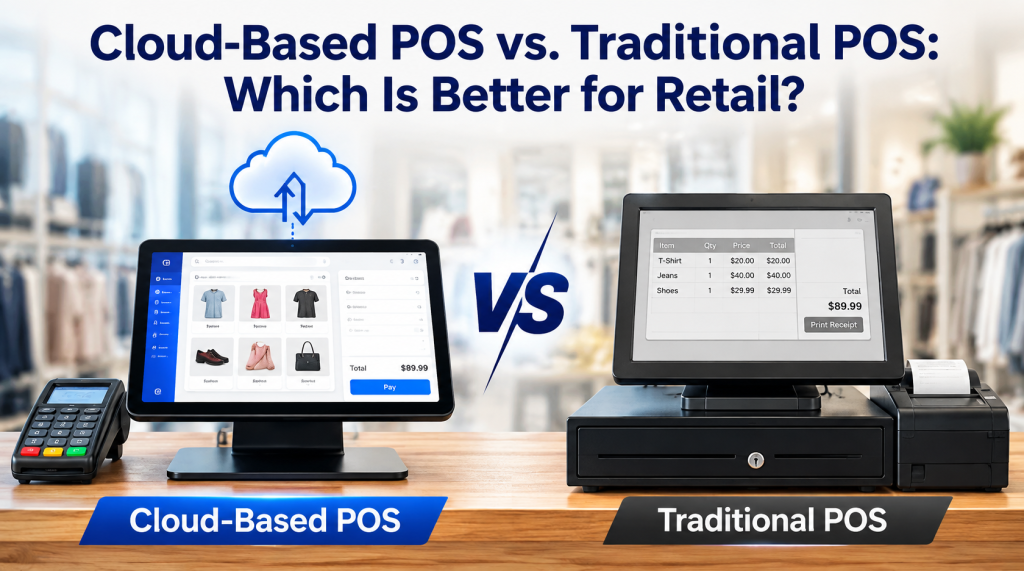

Best overall pick: Square POS. Square is a strong choice for small businesses that need straightforward checkout, sales tracking, and essential business management tools. Shopify POS is best for businesses selling online and in person, Toast is best for restaurants, and Lightspeed Retail is best for inventory-heavy stores. The right POS system depends on your business type, budget, payment processing costs, and operational needs.
The best POS system for a small business in 2026 is one that handles payments, tracks inventory, organizes sales, and gives the owner a clear view of daily performance. The right choice depends on the business model, transaction volume, budget, and features needed to manage operations. A neighborhood retail store, a busy restaurant, and an online shop each have different point-of-sale requirements.
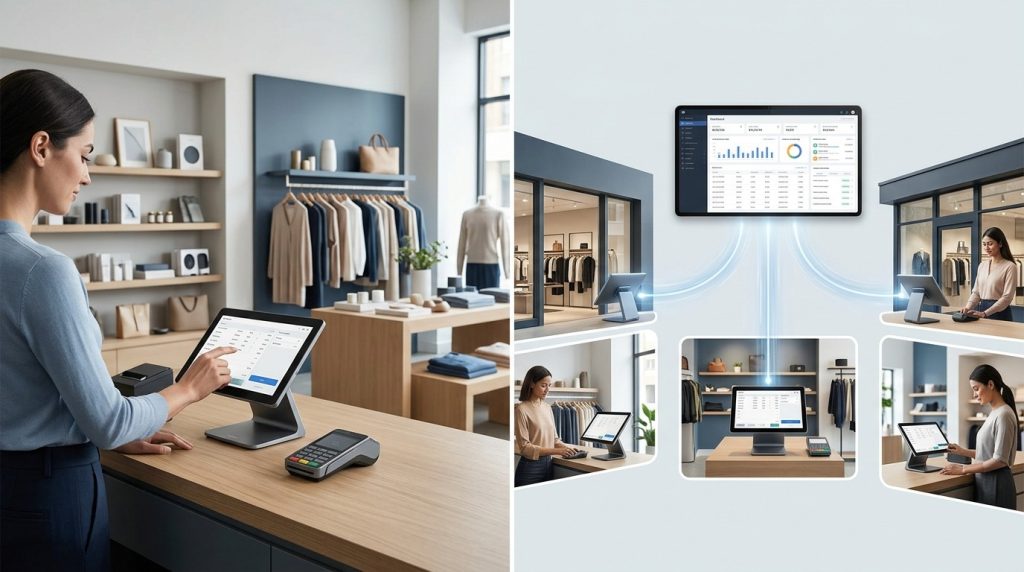
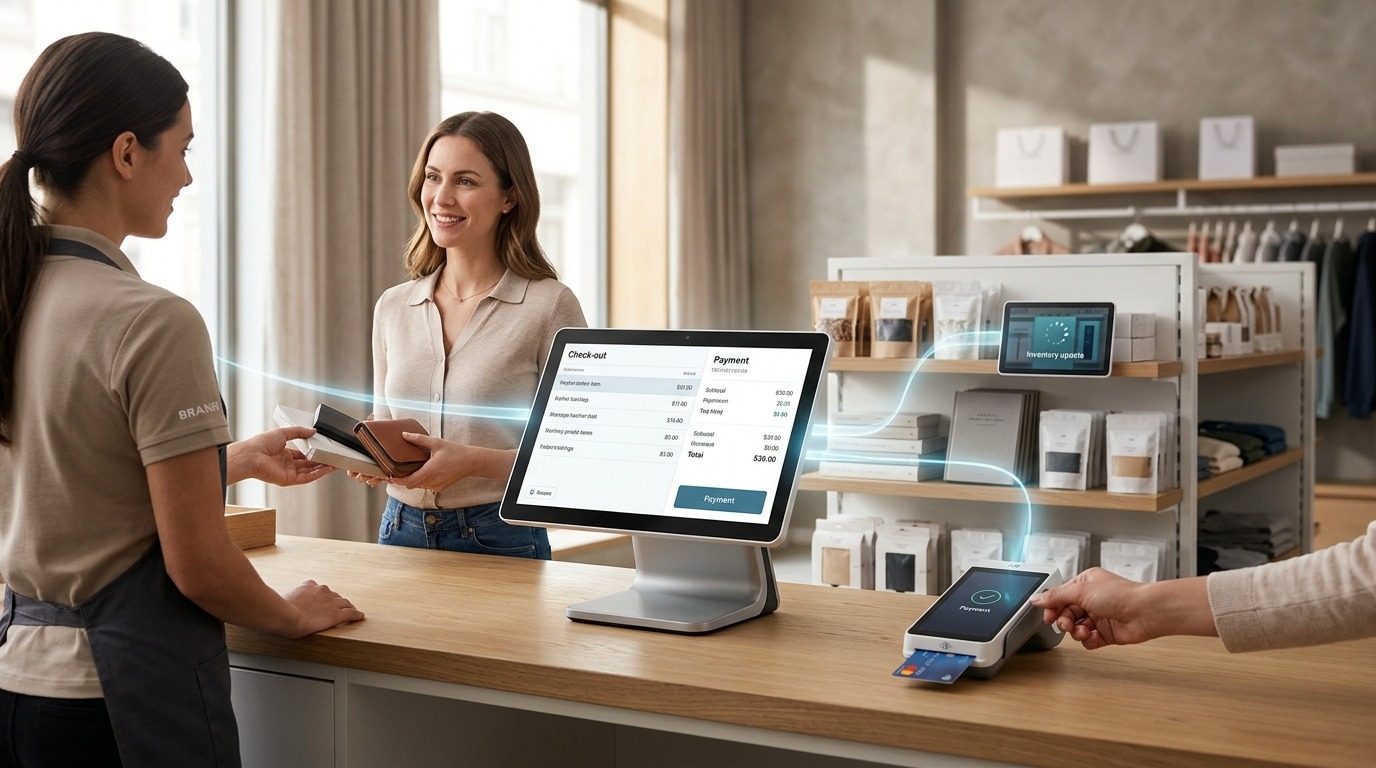
A point-of-sale (POS) system does more than process payments. It connects checkout, sales reporting, inventory management, employee activity, and customer transactions in one workflow. Choosing the right system helps small business owners reduce manual work, track products more accurately, and make informed decisions as the business grows.
USPayrun helps businesses explore POS solutions designed around their operational needs. Understanding the leading options is a useful first step toward finding a system that fits your business.
What Are the Best POS Systems for Small Businesses in 2026?
The best POS systems for small businesses include Square, Shopify POS, Toast, Clover, Lightspeed Retail, and Helcim. Each serves different business needs, so the right choice depends on the features and payment setup your business requires.
1. Square POS: Best for New and Budget-Conscious Businesses
Square POS is a strong option for small businesses that want a straightforward way to accept payments and manage sales. Its product range serves retailers, restaurants, and service-based businesses, with plans and features that vary by business type.
Square suits startups that need to begin with basic checkout and add tools as operations expand. Depending on the plan, businesses gain access to sales reports, inventory tools, employee management, and customer features.
Best for: Small retailers, service providers, pop-up shops, and businesses starting with a limited budget.
What to consider: Compare payment processing rates, hardware costs, and paid features before choosing a plan. Advanced inventory or reporting needs may require additional services.
2. Shopify POS: Best for Businesses Selling Online and In Person
Shopify POS connects physical retail sales with the Shopify ecommerce platform. It is particularly useful for businesses that sell through a website and a brick-and-mortar store and want to manage products and orders within a connected system.
Retailers benefit from coordinating product information, inventory, and customer orders across sales channels. This reduces the need to maintain separate processes for online and in-store purchases.
Best for: Ecommerce businesses opening physical stores, retailers selling through multiple channels, and brands managing online orders alongside in-person sales.
What to consider: Review the Shopify subscription, POS plan requirements, hardware, and payment processing costs. Businesses that only sell in person may not need the full ecommerce setup.
3. Toast POS: Best for Restaurants
Toast is designed for restaurant operations, where order management, payment processing, and communication between front-of-house and kitchen staff matter. Its restaurant-focused tools support workflows that differ from ordinary retail checkout.
Restaurants may use Toast to manage menu items, table service, orders, and kitchen operations. Available features depend on the selected package and hardware setup.
Best for: Restaurants, cafes, and food businesses that need restaurant-specific workflows.
What to consider: Review hardware requirements, payment processing terms, software costs, and contract conditions. A restaurant should assess the full setup rather than compare software fees alone.
4. Clover POS: Best for Flexible Hardware and Business Types
Clover offers POS hardware and software for several types of businesses, including retail stores, restaurants, and service providers. Its range of devices supports different checkout environments, from a fixed counter to more mobile sales.
Clover’s business tools include payment acceptance, sales tracking, and employee features, with additional capabilities depending on the setup. Businesses should pay close attention to the provider or reseller supplying the system because pricing, contracts, and processing terms vary.
Best for: Small businesses that want dedicated POS hardware and a setup suited to their checkout environment.
What to consider: Check the total hardware price, monthly charges, payment processing rates, contract length, and availability of customer support before signing an agreement.
5. Lightspeed Retail: Best for Inventory-Heavy Stores
Lightspeed Retail suits businesses that manage broad product catalogs, multiple product variants, or more demanding inventory workflows. Its retail tools help businesses organize products, monitor stock, and review sales performance.
This makes it relevant to specialty shops where product details, stock movement, and purchasing decisions require closer attention. Businesses with multiple locations should assess the inventory and reporting capabilities available in their chosen plan.
Best for: Specialty retailers, clothing stores, and businesses with complex inventory needs.
What to consider: Compare subscription costs, supported hardware, integrations, and the inventory features included at each pricing tier. A smaller shop with a limited product range may not need advanced retail tools.
6. Helcim: Best for Businesses Focused on Payment Processing Costs
Helcim is worth comparing for small businesses that want payment processing and POS tools with a focus on transparent pricing. Its suitability depends on transaction volume, average ticket size, payment methods, and the processing terms offered to the business.
For businesses processing substantial card volume, comparing the effective processing cost across providers can make a meaningful difference to operating expenses.
Best for: Small businesses that prioritize payment processing economics and want to compare processing models.
What to consider: Check current processing rates, eligibility, hardware requirements, and the POS features available for your business type. The lowest advertised rate does not always produce the lowest total cost.
Best POS Systems Compared at a Glance
The following comparison highlights the main reason to consider each platform. It is a starting point for shortlisting options, not a universal ranking.
| POS system | Best suited for | Main strength |
| Square POS | Startups and small businesses | Accessible checkout and business tools |
| Shopify POS | Online and physical retail | Connected ecommerce and in-store sales |
| Toast POS | Restaurants and cafes | Restaurant-focused order workflows |
| Clover POS | Retail, food, and service businesses | Dedicated POS hardware options |
| Lightspeed Retail | Specialty retail | Advanced inventory management |
| Helcim | Businesses comparing payment costs | Payment processing focus |
Pricing, hardware compatibility, integrations, and contract terms vary by provider and plan. Check the current offer directly before making a purchasing decision.
What Features Should a Small Business POS System Include?
A small business POS system should cover the daily tasks that keep transactions, inventory, staff, and reporting organized. The most useful features depend on what the business sells and how it operates.
Payment Processing
Payment processing allows businesses to accept supported payment methods, such as credit cards, debit cards, and contactless payments. A suitable setup should process transactions reliably and provide clear records for refunds, voids, and end-of-day reconciliation.
Compare processing rates alongside monthly software fees. Even a small difference in transaction costs adds up as sales volume increases.
Inventory Management
Inventory management tracks stock levels as products sell, arrive, or move between locations. It helps owners identify low-stock items, review product performance, and reduce errors caused by manual counting.
For retail stores, useful capabilities include product variants, barcode scanning, purchase orders, and stock alerts. Restaurants need tools suited to menu items and ingredient usage, depending on the system.
Sales Reports and Analytics
Sales reporting shows which products sell well, when customers buy, and how revenue changes over time. These insights help owners review demand, plan purchasing, and assess business performance.
Look for reports that are easy to understand and filter by date, product, location, or employee. The ability to export records or connect accounting tools is valuable when preparing financial reports.
Employee Management
Employee features help owners manage staff access, assign permissions, track shifts, and review sales activity. These tools are particularly useful when several employees share checkout responsibilities.
Role-based permissions help restrict access to sensitive functions, such as refunds or system settings. Check which employee management features are included in the selected plan.
Customer Management and Loyalty
Customer management tools organize purchase histories and customer details, while loyalty features support repeat visits through rewards or promotions. These tools help businesses understand buying patterns and maintain customer relationships.
A small business should choose features that support its actual sales process. Paying for a complicated loyalty program makes little sense when a simple customer database meets the need.
Integrations and Business Reporting
A POS system becomes more useful when it connects with the other software a business already uses. Depending on the provider, integrations may include accounting, ecommerce, payroll, marketing, and inventory applications.
Before committing, verify that the integrations work with your current tools and plan. A listed integration does not always mean every feature is included at no additional cost.
How Much Does a POS System Cost for a Small Business in 2026?
POS system costs depend on software subscriptions, hardware, payment processing, installation, and optional features. Some providers offer free entry-level software, while advanced systems require monthly payments or customized pricing.
A business should assess the total cost of ownership rather than focusing on the advertised monthly fee.
Software fees: Monthly or annual charges for checkout, reporting, inventory, and other features.
Hardware costs: Card readers, receipt printers, barcode scanners, cash drawers, terminals, and tablets.
Payment processing: Fees charged for card and other supported payment transactions.
Setup and training: Installation, onboarding, data migration, and staff training charges where applicable.
Add-ons and integrations: Extra costs for advanced reporting, loyalty tools, ecommerce features, or third-party applications.
For example, a small shop that sells a limited number of products may need only a basic terminal and inventory tracking. A multi-location retailer requires more hardware, staff permissions, stock controls, and consolidated reporting.
Request a full quote that includes recurring fees, transaction charges, hardware, contract conditions, and cancellation terms. This gives you a clearer comparison of the actual cost of each option.
How to Choose the Right POS System for Your Small Business
The right POS system matches your daily workflow without making operations unnecessarily complicated. Start by identifying the tasks your current setup handles well and the problems you want a new system to solve.
Identify Your Business Type
A clothing store needs product variants, barcode scanning, and stock control. A restaurant needs menu management, order routing, and kitchen communication. A salon may prioritize appointments, employee schedules, and customer records.
Choose a system built around your core operations instead of paying for features that do not support your business.
Set a Realistic Budget
Calculate the expected cost of software, hardware, payment processing, and add-ons. Consider your transaction volume and average sale amount when comparing processing fees.
A low monthly subscription does not always mean a lower overall cost. Compare the complete pricing structure across providers.
Check Hardware and Payment Compatibility
Confirm that the system supports the devices and payment methods your business needs. Ask about receipt printers, barcode scanners, cash drawers, mobile terminals, and contactless payments.
Check whether the system supports your preferred payment processor or requires you to use a particular provider. This matters when comparing long-term costs and contract flexibility.
Review Reporting and Inventory Needs
Consider the reports you use to make purchasing and staffing decisions. A basic sales summary may suit a small business, while a growing retailer may need detailed stock movement, product performance, and multi-location reporting.
Choose a system that supports your current workload and offers a clear upgrade path as your operations expand.
Evaluate Support and Reliability
Checkout problems affect both sales and customer service. Review support hours, available contact channels, training resources, software updates, and offline capabilities where relevant.
Ask how the system handles internet outages and what happens to pending transactions. Understand the provider’s process for troubleshooting hardware and payment issues before installation.
Why Small Businesses Should Review Their POS System Regularly
A POS system that suited a business at launch may no longer meet its needs as sales volume, inventory, staff, or locations increase. Regular reviews help owners identify missing features, rising costs, and workflow problems before they become harder to manage.
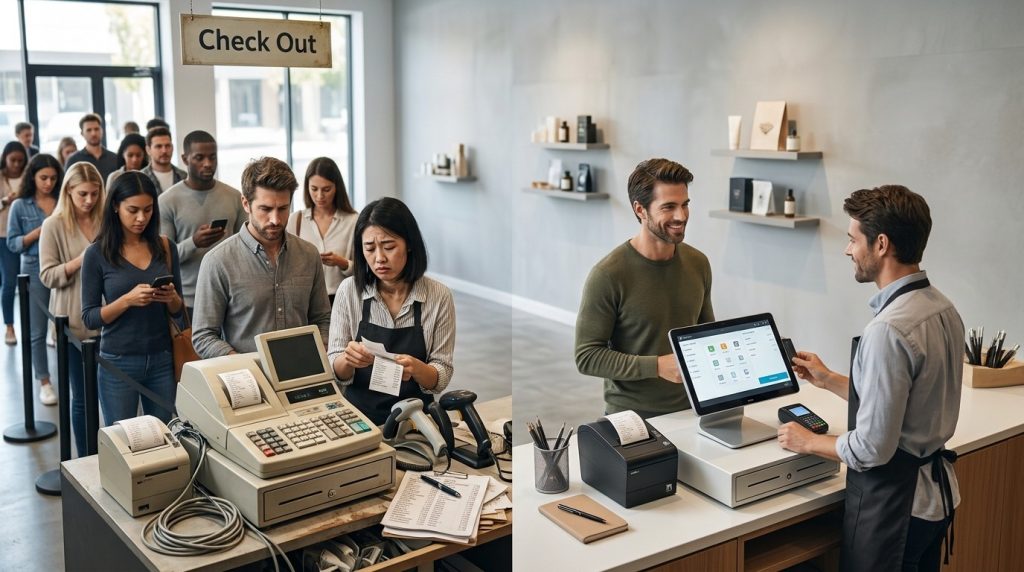
Common signs that a POS system needs an upgrade include frequent inventory discrepancies, disconnected online and in-store sales, limited reporting, slow checkout, and difficulty managing employee access.
Reviewing these issues helps owners decide whether to upgrade their existing plan, add an integration, or move to a different platform. The objective is not to buy the most expensive system. It is to choose the setup that supports accurate transactions and efficient daily operations.
Find a POS Solution That Fits Your Business With USPayrun
Choosing a POS system is an operational decision that affects checkout, inventory, payment processing, and sales reporting. The right setup gives owners a clearer view of business activity and helps staff handle routine transactions with fewer manual steps.
USPayrun helps small businesses explore POS solutions based on their business needs. Whether you operate a retail store, manage a growing business, or want to improve how your team handles transactions, start by identifying the features and hardware your operations require.
Ready to find a POS system for your business?
Visit USPayrun to explore POS solutions and find a setup that aligns with your business operations, budget, and growth plans.
FAQs
- What is the easiest POS system for a beginner to use?
Square is a strong starting point for many beginners because it offers straightforward checkout tools and an entry-level option. The best fit depends on your business type.
- Do small businesses need a POS system to accept card payments?
No. Some businesses use standalone payment terminals, but a POS system adds tools for recording sales, tracking inventory, and managing business operations.
- Can a POS system work without an internet connection?
Some POS systems offer offline payment functionality, but availability and limitations vary. Check how offline transactions are stored, processed, and reconciled.
- How often should a small business upgrade its POS system?
Upgrade when your current system no longer supports your transaction volume, inventory needs, reporting requirements, or business expansion plans
- What should I check before signing a POS contract?
Review software fees, processing rates, hardware costs, contract length, cancellation terms, support availability, and any additional charges.