
Your POS system should make daily operations easier, not create extra work. When sales take longer, inventory records become difficult to manage, reports lack useful detail, or your business needs features your current system does not provide, it may be time for a new POS system.
A growing business changes quickly. You may add products, hire more employees, open another location, introduce new payment methods, or start managing larger amounts of inventory. A POS system that worked well when the business was smaller may no longer match those needs.
Here are seven signs that your business has outgrown its current POS system.
1. Your POS System Makes Checkout Slower
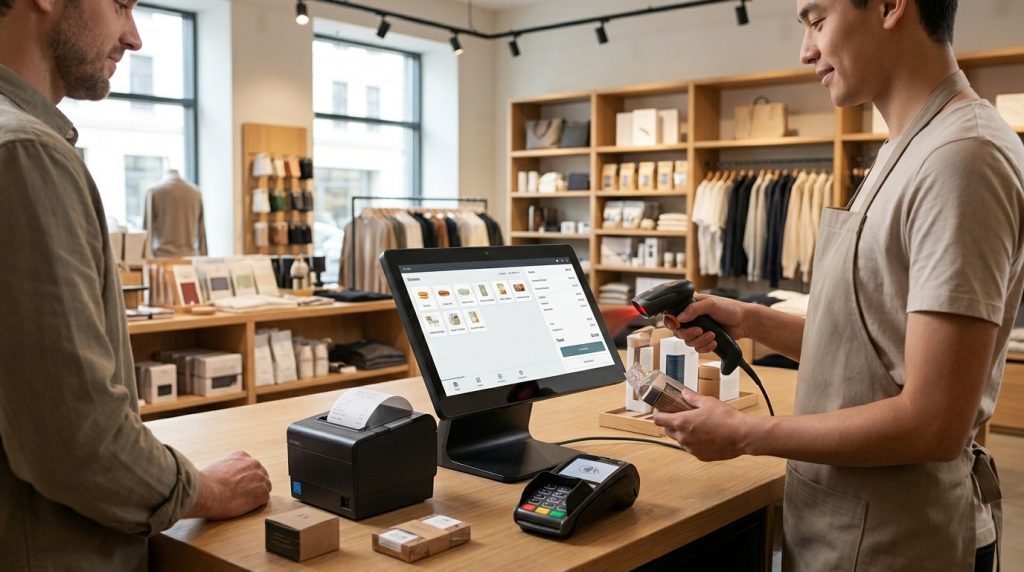
A POS system should support a quick and organized checkout process. When employees have to navigate complicated screens, manually enter product information, or switch between different systems, transactions take longer.
Longer checkout times affect both employees and customers.
You may notice that:
- Employees need extra steps to complete simple sales.
- Product searches take too long.
- Payment processing requires separate equipment or manual entry.
- Employees regularly ask for help with basic POS functions.
- Customers wait while transactions are completed.
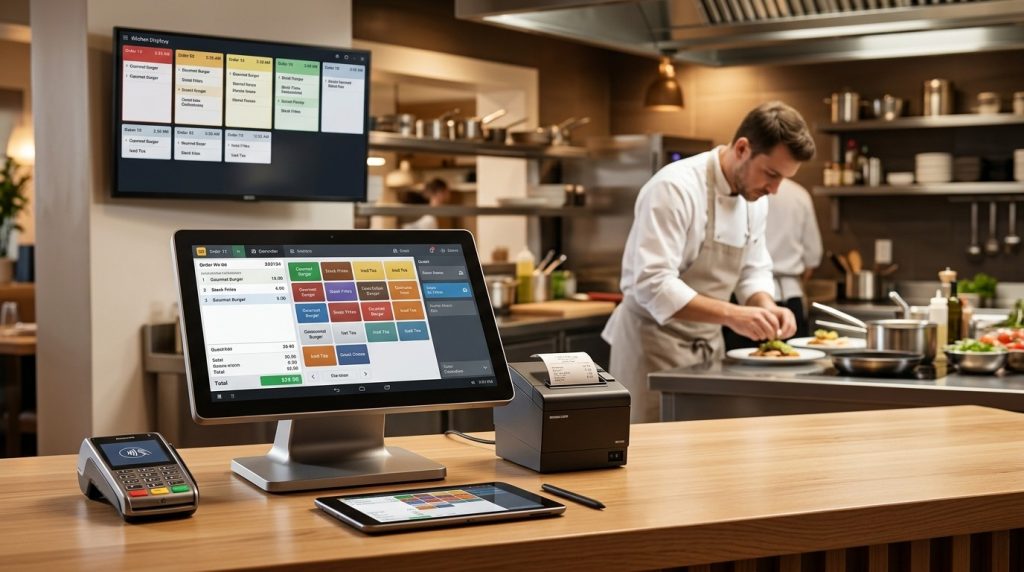
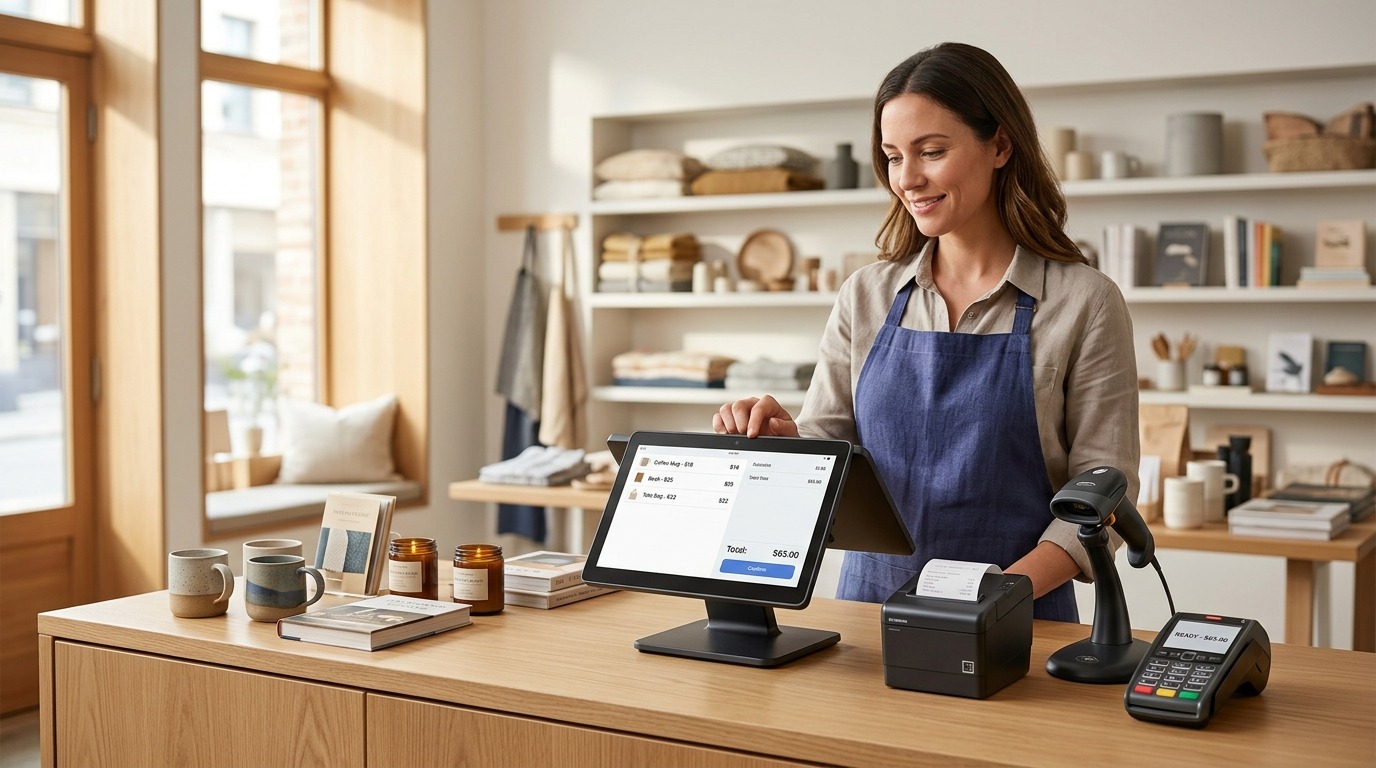
A better POS system should bring sales and payment processing into one organized workflow.
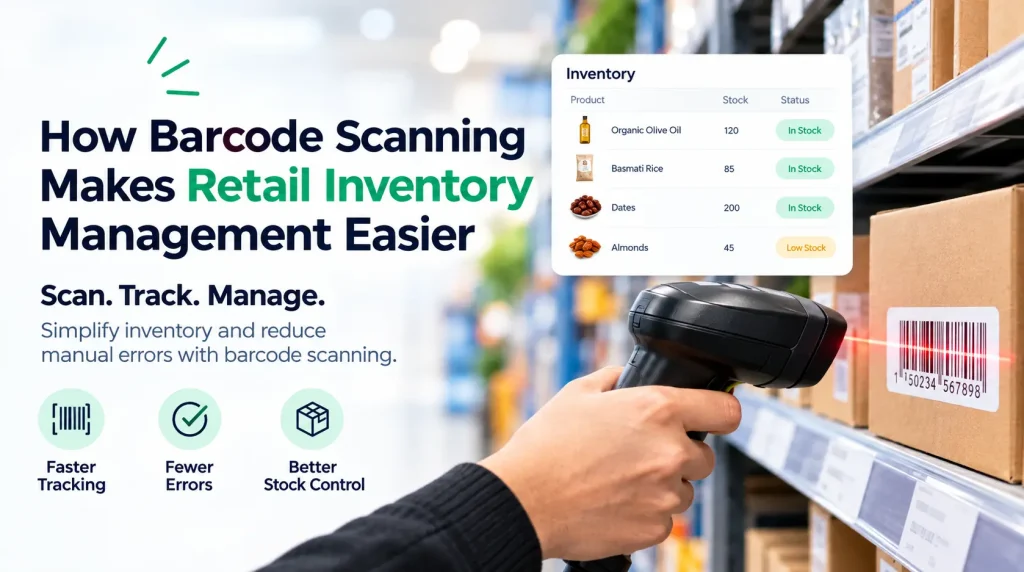
For businesses with a large product catalog, features such as barcode scanning, searchable products, and customizable checkout screens can make everyday transactions easier to manage.
2. Your Inventory Records Are Difficult to Trust
Inventory becomes harder to manage as your product catalog grows.
A small business may be able to track stock manually. Once hundreds or thousands of products are involved, manual updates create more opportunities for errors.
Your POS may no longer be meeting your needs when:
Stock counts do not match what the system shows.
Employees have to update inventory manually after sales.
You cannot quickly see which products are running low.
You have difficulty identifying fast-moving products.
Inventory information is spread across different systems.
A POS with integrated inventory management connects sales activity with stock levels. When a product is sold, the transaction updates the corresponding inventory record.
US Payrun provides POS solutions with inventory management designed to help businesses track products and stock activity as part of their daily operations.
3. Your Business Has More Products Than Your POS Can Handle
Business growth often means product growth.
You may start with a small selection of products and gradually add new sizes, colors, brands, categories, or variations. Your original POS may not have been designed to manage that level of product information.
This creates problems when employees need to search for products, update prices, manage variations, or review product performance.
A modern POS system should give you practical tools for managing a larger product catalog.
The right system should make it easier to organize products while connecting product information with sales and inventory records.
4. Your Reports No Longer Give You Enough Information
Sales reports should help you understand what is happening in your business.
A basic system may only provide simple transaction totals. As your business grows, you may need more detailed information about products, employees, locations, payment activity, and sales performance.
Your POS may need an upgrade when you find yourself asking questions that the system cannot answer.
For example:
- Which products generate the most sales?
- Which location is performing best?
- Which products are moving slowly?
- How much did we sell during a specific period?
- How are employees performing?
- Which payment methods are being used most?
Better reporting gives business owners more useful information for day-to-day management and future planning.
US Payrun POS solutions include reporting features designed to give businesses greater visibility into sales and operational activity.
5. You Are Managing Multiple Locations Separately
Opening a second location is a major sign that your POS requirements have changed.
A system designed for one store may become difficult to manage when you have several locations. Each store creates another set of sales records, inventory, employees, pricing information, and reports.
Managing everything separately means more administrative work.
A multi-store POS system brings locations into a centralized platform. This allows businesses to manage information across stores while still reviewing individual location performance.
US Payrun offers multi-store POS solutions that support centralized management of areas such as sales, inventory, pricing, and reporting.
This matters even more when your business plans to continue expanding.
6. Your POS Does Not Support the Payment Options Customers Expect
Customers have more ways to pay than they did years ago.
Depending on your business and location, customers may expect to use credit cards, debit cards, mobile wallets, contactless payments, and other payment methods.
A POS system that does not support the payment options your customers use creates unnecessary friction at checkout.
Your payment system should work with your sales process rather than requiring employees to manage transactions through separate systems.
US Payrun provides payment processing solutions designed to work with its POS offerings, helping businesses accept supported payment methods through their checkout setup.
7. Your POS Cannot Keep Up With Your Business Growth
This is the biggest sign of all.
Your business may have started with one store, a small team, a limited product catalog, and straightforward sales. Now you have more customers, more products, more employees, or multiple locations.
The business changed.
Your POS needs to change with it.
A POS system should support your current operation while giving you room to expand. That includes the ability to manage growing inventory, additional employees, new payment requirements, more detailed reporting, and multiple locations where needed.
When employees create workarounds because the POS cannot handle a task, the system is no longer supporting the business effectively.
What Happens When You Keep Using an Outgrown POS System?
Continuing with an unsuitable POS can create problems throughout the business.
More Manual Work
Employees may need to enter the same information into multiple systems or maintain separate spreadsheets.
More Inventory Errors
Disconnected sales and inventory records make it harder to know what is actually in stock.
Slower Operations
Complicated checkout processes and outdated hardware can slow down everyday transactions.
Limited Business Visibility
Basic reports may not provide the information needed to understand sales and inventory performance.
Difficult Expansion
Adding another location becomes more complicated when the existing POS has no centralized management capabilities.
The cost is not limited to the POS subscription or hardware. Time spent correcting errors and working around system limitations affects the business too.
How Do You Know Which POS System You Need?
The right POS depends on your business operations.
A single-location business may need strong sales tracking, inventory management, payment processing, reporting, and employee tools.
A growing business with multiple locations may need centralized inventory, multi-store reporting, location management, and consistent pricing across stores.
Before choosing a new POS, consider:
How many locations do you operate?
How large is your product catalog?
How do you manage inventory?
Which payment methods do your customers use?
How detailed do your reports need to be?
How many employees use the POS?
Are you planning to open additional locations?
The answers help determine whether you need a basic single-store setup or a more advanced POS solution.
Why Choose US Payrun for Your New POS System?
US Payrun provides POS solutions for businesses that need more than basic transaction processing.
Its solutions support sales management, inventory tracking, payment processing, reporting, employee management, and multi-location operations. The company serves businesses across several industries, including retail stores, restaurants, convenience stores, smoke shops, pizza shops, gas stations, and salons.
For businesses that have outgrown a basic POS, the goal is to move to a system that matches the way the business operates today.
US Payrun offers both single-store and multi-store POS solutions, giving businesses options as their operations grow.
Is It Time to Upgrade Your POS System?
A POS system should keep pace with your business.
When checkout becomes slower, inventory becomes harder to manage, reports stop providing useful information, payment options become limited, or multiple locations are difficult to control, those are clear signs that your current POS may no longer be the right fit.
US Payrun can help you choose a POS solution based on your business size, industry, locations, inventory, payment needs, and growth plans. Contact US Payrun to discuss the right POS system for your business.
FAQs
How often should a business replace its POS system?
Replace a POS when it no longer supports your operational, payment, inventory, or reporting requirements.
Can an old POS system affect employee productivity?
Yes. Complicated workflows and manual tasks can increase the time employees spend completing routine work.
Should a growing business choose a cloud-based POS?
A cloud-based POS provides access to business information from supported devices and locations, making it useful for businesses that need remote or multi-location management.
Can a POS upgrade improve inventory accuracy?
Yes. Integrated sales and inventory features connect product sales with stock records.
Does a multi-location business need a multi-store POS?
A multi-store POS is designed to centralize management across multiple business locations.