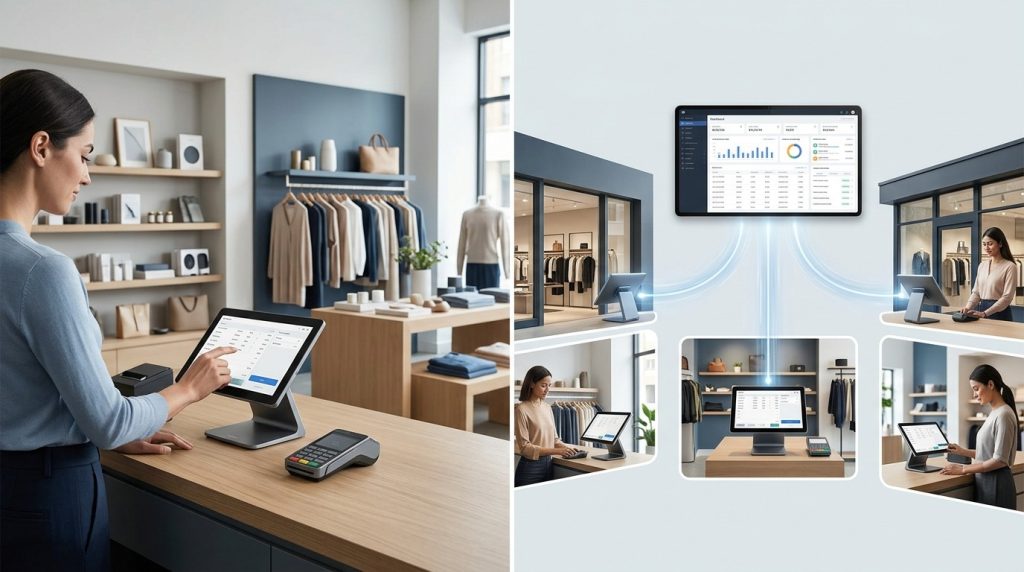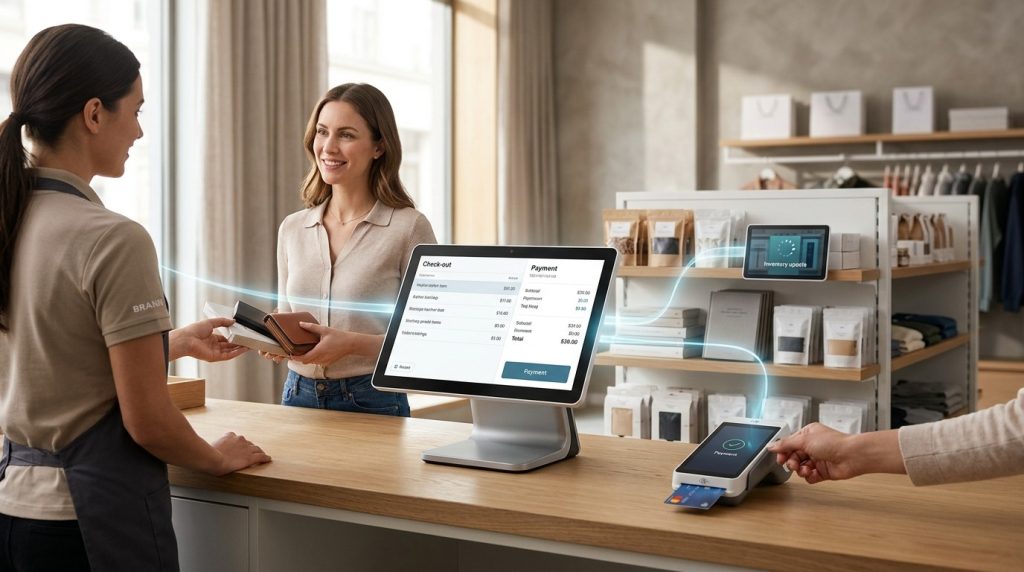

A POS system for retail stores helps businesses process sales, track inventory, manage returns, and monitor daily performance from one platform. The right system connects checkout with stock records and sales reports, giving store owners better control over products, payments, and purchasing decisions.
Retail operations involve more than scanning products and printing receipts. A clothing boutique needs to manage sizes and colors, a grocery store needs accurate stock records, and an electronics shop needs product details, warranty information, and return tracking. A retail point-of-sale (POS) system helps organize these tasks while reducing manual data entry.
Choosing the right retail POS system starts with understanding how your store operates, which features your team needs, and what the system will cost over time. This buyer’s guide explains the essential features, hardware options, pricing factors, and questions to ask before investing in a POS solution for your retail business in 2026.
What Is a POS System for Retail Stores?
A retail POS system combines software and hardware to process customer purchases and manage store operations. It records transactions, updates inventory, generates receipts, and produces reports that help owners understand sales performance.
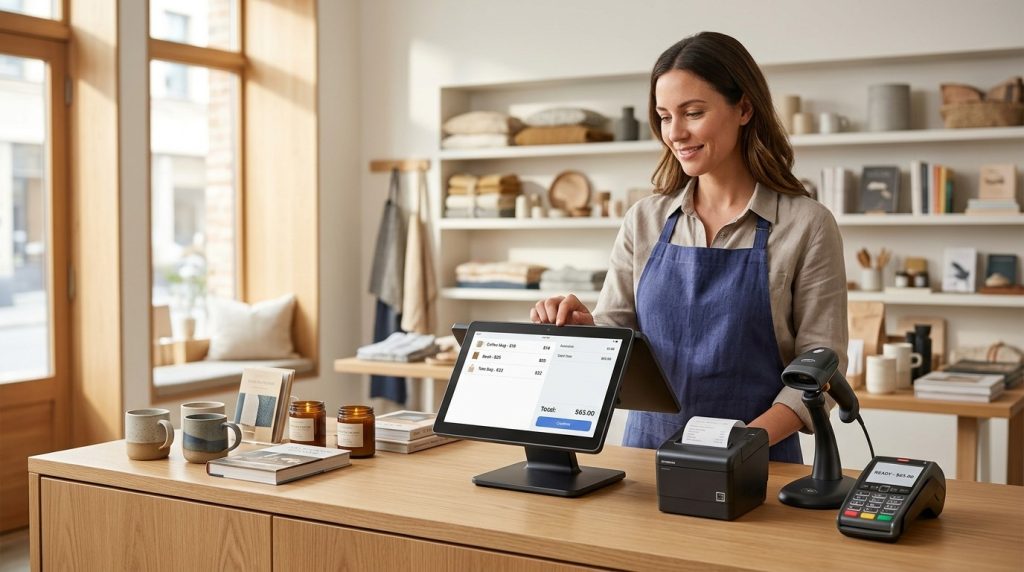
A standard setup includes a computer or touchscreen terminal, barcode scanner, payment terminal, and receipt printer. Depending on the store’s requirements, it may include a cash drawer, label printer, customer-facing display, or mobile checkout device.
For example, when a customer buys a pair of shoes, the cashier scans the barcode, confirms the size and price, and processes the payment. The POS records the sale and updates the item’s stock quantity when inventory tracking is configured.
That transaction becomes part of the store’s sales history. The owner can review which products sell well, identify stock that needs replenishment, and compare performance across days or locations.
Modern retail POS systems may also connect in-store transactions with ecommerce orders, accounting applications, customer loyalty programs, and purchasing workflows.
Why Do Retail Stores Need a POS System?
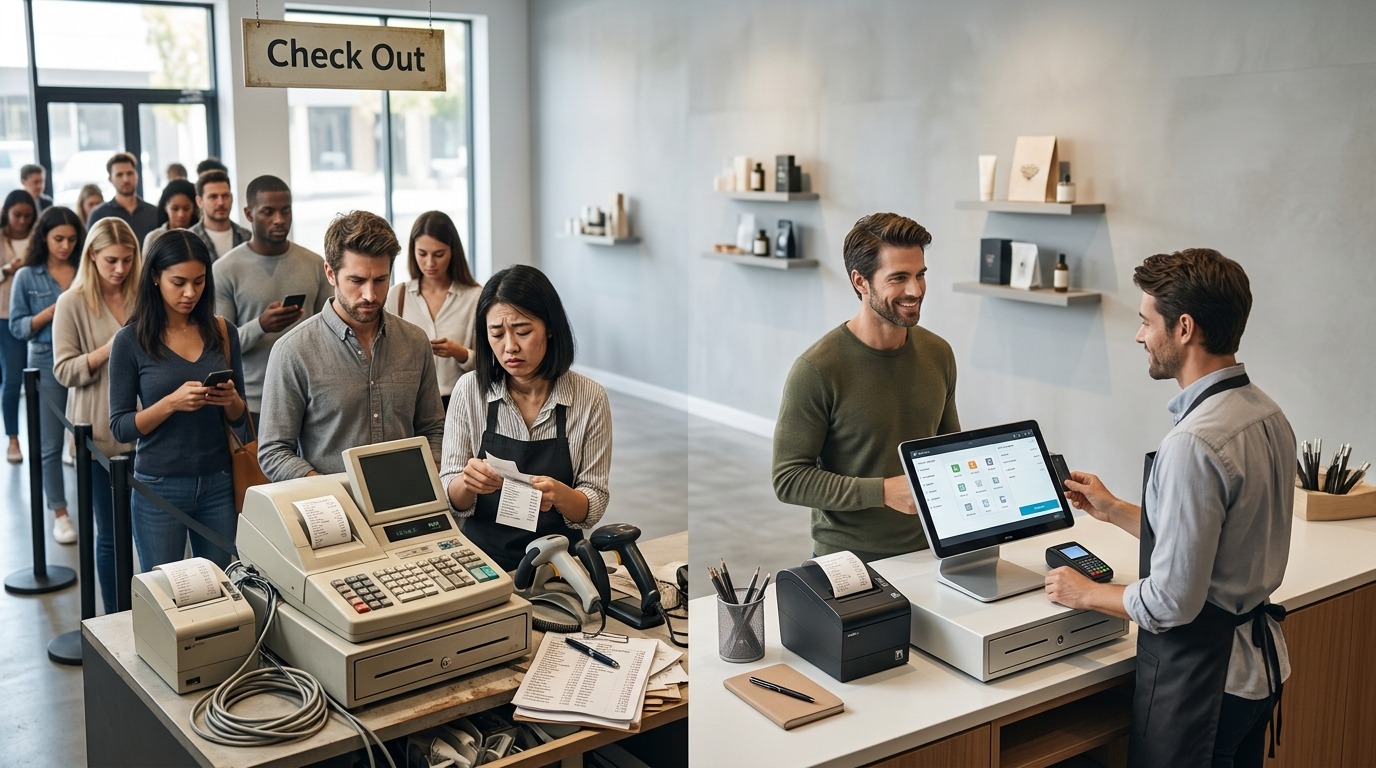
Retail stores need a POS system to maintain accurate sales records, manage inventory, and handle customer transactions efficiently. It replaces disconnected manual processes with a more organized way to manage everyday retail work.
A well-chosen system helps retailers address several common operational problems.
Faster checkout: Barcode scanning and saved product information reduce manual price entry and help cashiers process transactions efficiently.
More accurate inventory: Stock records update as sales are recorded, making it easier to monitor available quantities and identify products that need replenishment.
Better sales visibility: Reports show revenue, transaction counts, popular products, discounts, and returns in one place.
Simpler returns and exchanges: Staff can retrieve transaction details and follow consistent procedures for refunds, exchanges, and store credit.
Improved staff accountability: Individual employee accounts and permission controls help managers monitor transactions and restrict sensitive actions.
Connected sales channels: Retailers that sell online and in person benefit from connected inventory and order records when the POS supports those integrations.
The value comes from having reliable information available when decisions need to be made. A POS system records business activity, but its usefulness still depends on accurate product data, correct setup, and consistent staff practices.
Retail POS Systems Compared: Which Type Fits Your Business?
The best POS system depends on your store’s inventory, checkout workflow, and sales channels. Compare these common POS options to identify the right starting point for your retail business.
| POS system | Best for | Main advantage | Key consideration |
| Square POS | Small shops and startups | Straightforward checkout and business tools | Check processing fees and advanced feature costs |
| Shopify POS | Retailers selling online and in person | Connects ecommerce and in-store sales | Subscription and plan requirements |
| Clover POS | Retailers needing dedicated hardware | Multiple hardware configurations | Pricing and terms vary by provider |
| Lightspeed Retail | Inventory-heavy stores | Advanced retail inventory tools | Subscription costs and feature tiers |
| Helcim | Businesses comparing payment costs | Payment processing focus | Compare rates and available POS features |
What Features Should You Look for in a Retail POS System?
The best retail POS system includes features that match your product catalog, checkout process, inventory needs, and growth plans. Before comparing providers, separate the functions your store requires every day from features that are helpful but optional.
Businesses that operate both retail and food-service operations should review our complete restaurant POS system guide for 2026, which covers restaurant order management, kitchen display systems, ingredient tracking, and online ordering integrations.
1. Inventory Management
Inventory management is one of the most important features in retail POS software. It tracks stock quantities, records product movement, and helps store owners identify low-stock items.
Look for tools that support product variations, stock adjustments, supplier records, purchase orders, and low-stock alerts. Stores selling clothing, shoes, or accessories need reliable tracking for sizes, colors, and styles.
For example, a clothing boutique may stock one shirt in four colors and five sizes. A suitable POS should track each variant separately rather than treating every shirt as one generic product.
Advanced systems may support multiple warehouses, transfers between branches, inventory valuation, and purchase forecasting. Choose the level of control that matches your stock volume and operating model.
2. Barcode Scanning and Product Catalogs
Barcode scanning helps cashiers identify products quickly and reduces errors caused by manual price entry. The POS retrieves the corresponding product record, including its name, price, and applicable tax settings.
A well-organized product catalog should support SKUs, product variants, categories, and bulk imports. These features matter when a store manages hundreds or thousands of items.
Check whether the system supports your existing barcode labels and scanners. Ask how it handles products without manufacturer barcodes, bundled items, and products sold by weight when those apply to your store.
3. Payment Processing
A retail POS system should support the payment methods your customers use, such as credit cards, debit cards, contactless payments, and digital wallets where available.
Integrated payment processing connects transactions with sales records and simplifies reconciliation. It also gives staff a more consistent process for handling refunds and payment disputes.
Compare transaction fees, monthly charges, hardware compatibility, settlement timing, and contract conditions. Some POS providers require a particular payment processor, while others support third-party options.
4. Sales Reports and Analytics
Sales reporting helps retailers understand which products generate revenue, how sales change over time, and where operational issues appear.
Useful reports include daily sales summaries, product performance, transaction totals, discount activity, returns, and sales by employee. More advanced systems provide gross margin reporting, inventory valuation, and comparisons across multiple locations.
A clothing retailer, for instance, may use product reports to identify popular sizes and slow-moving colors. This information supports purchasing and merchandising decisions.
Check whether the reports are easy to filter, export, and share with an accountant or manager.
5. Returns, Exchanges, and Discounts
Retail stores need a clear process for returns, exchanges, price adjustments, and promotional discounts. The POS should record these transactions accurately and maintain an understandable audit trail.
Look for receipt lookup, partial refunds, exchange workflows, store credit, and permission controls for discounts. These features help staff follow store policies without relying on manual calculations.
Before choosing a system, test common scenarios such as exchanging an item for another size, refunding one product from a larger purchase, and applying a discount to selected items.
6. Customer Management and Loyalty
Customer management features organize customer profiles and purchase histories. Depending on the system, retailers may use this information for loyalty points, rewards, targeted promotions, or customer service.
A loyalty program can support repeat purchases, but it should fit the store’s customer base and marketing strategy. A small shop may need only basic customer records, while a growing retailer may benefit from automated rewards and segmented offers.
Check what customer information the system stores, how it is protected, and which loyalty features require additional fees.
7. Employee Permissions and Management
Employee management tools help store owners assign roles, control access, and review transaction activity. Managers may restrict refunds, price changes, discounts, and other sensitive actions to authorized employees.
Individual staff accounts improve accountability because transaction records identify who performed a particular action. Some systems integrate with scheduling, time tracking, or payroll applications.
Choose permissions that reflect how your store operates without making routine checkout unnecessarily complicated.
8. Ecommerce and Multi-Location Integration
Retailers that sell through a website, marketplace, or multiple stores need consistent product and inventory records across channels.
A connected POS can synchronize supported online and in-store sales, update inventory, and consolidate reporting. This helps reduce overselling and makes stock management more manageable.
Before purchasing, verify which ecommerce platforms and sales channels the system supports. Confirm whether synchronization happens automatically, which data is shared, and whether integrations require a higher subscription tier.
What Hardware Does a Retail POS System Require?
Retail POS hardware depends on the store’s checkout layout, transaction volume, and product type. A small boutique may operate with a tablet and card reader, while a busy supermarket needs dedicated terminals, scanners, cash drawers, and receipt printers.
Common hardware options include:
- POS terminal or tablet: Runs the checkout software and displays product information.
- Barcode scanner: Reads product codes to speed up checkout and improve price accuracy.
- Payment terminal: Accepts supported card and contactless payments.
- Receipt printer: Prints customer receipts and transaction records when required.
- Cash drawer: Stores cash securely at the checkout counter.
- Label printer: Produces barcode and product labels for stock identification.
- Customer-facing display: Shows purchase details and totals during checkout.
- Mobile POS device: Lets staff assist customers or process transactions away from a fixed counter.
Not every store needs every device. Start with the hardware required for daily operations, then add equipment as checkout volume and business needs grow.
Confirm hardware compatibility before buying. Some providers require specific devices, while others support a wider range of equipment. Warranty coverage, replacement availability, installation, and support deserve attention, too.
How Much Does a Retail POS System Cost in 2026?
Retail POS system costs vary according to software features, hardware, payment processing, and the number of locations. Some providers offer free entry-level software with processing fees, while advanced retail plans charge monthly subscriptions or use custom pricing.
The full cost includes more than the initial purchase.
| Cost component | What to check |
| Software subscription | Monthly fees, annual billing, and included features |
| Hardware | Terminals, scanners, printers, and payment devices |
| Payment processing | Transaction rates and additional payment charges |
| Setup and training | Installation, data migration, and staff onboarding |
| Integrations | Ecommerce, accounting, loyalty, and other connected tools |
| Support and maintenance | Support plans, repairs, replacements, and updates |
A small store with one checkout station and a limited catalog has different requirements from a retailer with several branches and thousands of product variants.
To compare providers fairly, calculate the expected cost over at least the first year. Include hardware purchases, recurring software fees, payment processing, optional services, and contract obligations.
Ask each provider for a complete quote based on your expected transaction volume, number of terminals, product catalog, and location count. This gives you a more realistic basis for comparison than the advertised starting price.
Cloud-Based vs. On-Premise Retail POS Systems
Cloud-based and on-premise POS systems differ in how software and business data are hosted and accessed. The better option depends on connectivity, IT resources, reporting needs, and how much control the retailer wants over its infrastructure.
Cloud-Based POS Systems
A cloud-based POS stores or synchronizes business data through online services. Authorized users can access supported reports and management tools from connected devices.
This setup suits retailers that want remote access, centralized management, and integrations with ecommerce or accounting software. Updates and maintenance are often handled by the provider.
However, retailers should check what happens when the internet connection fails. Some systems support offline checkout, while others restrict certain operations until connectivity returns.
On-Premise POS Systems
An on-premise POS runs on locally installed software and infrastructure. Depending on the design, it may provide local access to records and greater control over the operating environment.
This model may suit businesses with specific IT requirements or existing local infrastructure. It can require more responsibility for maintenance, backups, updates, and technical support.
The label alone does not determine reliability. Ask providers about data backups, security, remote access, disaster recovery, and offline operations before deciding.
How to Choose the Right POS System for Your Retail Store
Choosing the right POS system begins with understanding your current workflow and the problems you need to solve. Use the following steps to compare options systematically.
Step 1: Identify Your Retail Category
Different retail businesses need different capabilities. Grocery stores may need weight-based products and fast barcode checkout. Clothing stores need size and color variants. Electronics retailers may need serial numbers, warranties, and detailed product records.
Write down the features your store depends on before arranging product demonstrations.
Step 2: Assess Your Inventory Complexity
Consider the number of SKUs, product variations, suppliers, storage locations, and stock transfers your business manages.
A store with a small catalog may work well with basic inventory tools. A retailer managing thousands of products needs stronger search, bulk editing, purchasing, and stock reporting features.
Step 3: Calculate the Total Budget
Include software, hardware, payment processing, integrations, training, and support. Compare costs using your expected sales volume rather than a generic estimate.
Ask about price changes, renewal terms, cancellation fees, and the cost of adding another terminal or location.
Step 4: Test the Checkout Workflow
Request a demonstration or trial. Run through common transactions, including barcode scanning, discounts, returns, exchanges, and split payments where relevant.
Check how quickly staff can find products and complete a sale. A feature-rich system still creates problems when everyday tasks require too many steps.
Step 5: Verify Integrations and Data Access
Confirm that the POS works with the tools your business already uses. Review how product records, sales history, customer information, and inventory data are imported or exported.
Ask how you would retrieve your data if you switch providers in the future. This helps you understand the practical cost of changing systems.
Step 6: Review Security and Support
Check user permissions, account security, data backups, payment security responsibilities, and support availability.
Ask how the provider handles system outages, hardware failures, and payment issues. Understand which team is responsible when the POS software and payment processing come from different companies.
Step 7: Consider Future Growth
Choose a system that supports your likely next stage of growth. You may need more terminals, a second store, ecommerce integration, or advanced inventory reporting.
Avoid paying for enterprise features you do not need today, but make sure an upgrade path exists when your business expands.
Planning to expand beyond retail or compare systems for different business models? Read our guide to the best POS systems for small business in 2026 for a broader comparison of business-specific POS options.
Questions to Ask Before Buying a Retail POS System
A product demonstration is the right time to test real business scenarios and clarify contract details. Ask the provider these questions before making a decision:
- Does the system track inventory by SKU, size, color, and location?
- Which payment processors and payment methods does it support?
- What are the complete software, hardware, and transaction costs?
- Does checkout continue during an internet outage?
- How does the system handle returns, exchanges, and partial refunds?
- Which ecommerce and accounting integrations are available?
- Can staff access be restricted by role?
- How are data backups, exports, and account security handled?
- What support is available during store operating hours?
- What happens to my data and hardware if I change providers?
The answers help you compare providers on practical requirements instead of relying on sales claims alone.
Common Mistakes to Avoid When Buying a Retail POS
Choosing a POS based only on price or a long feature list can leave retailers with a system that does not fit their daily work.
Ignoring inventory requirements: Basic stock counts may not support product variants, purchasing, or multi-location transfers.
Overlooking payment fees: A low subscription may be offset by transaction charges or additional payment services.
Buying incompatible hardware: Check device compatibility before purchasing terminals, scanners, and printers.
Skipping the trial: Test actual checkout and inventory tasks before committing to a system.
Underestimating staff training: Employees need clear procedures for sales, refunds, discounts, and closing reports.
Failing to plan for growth: Check the cost and limitations of adding locations, terminals, users, and integrations.
A practical evaluation helps you avoid unnecessary spending and choose a POS system that supports the way your store operates.
Find a Retail POS Solution With USPayrun
A retail POS system should do more than process transactions. It should help your team maintain accurate stock records, handle customer purchases, review sales performance, and manage daily store operations.
USPayrun helps businesses explore POS solutions suited to their needs. Whether you run a clothing boutique, a convenience store, a specialty shop, or a growing retail operation, start by identifying the features and hardware that fit your checkout process and inventory requirements.
Ready to find the right POS system for your store?
Visit USPayrun to explore POS solutions and find a setup that supports your retail operations, budget, and growth plans.
FAQS
- Can a retail POS system track inventory across multiple stores?
Yes. Many retail POS systems support multi-location inventory tracking, stock transfers, and consolidated reporting, depending on the plan.
- What is the difference between a retail POS and inventory management software?
A retail POS processes sales and records transactions, while inventory software focuses on stock control. Many modern POS systems combine both functions.
- Can I use my existing computer with a retail POS system?
Yes, when the POS software supports your device and operating system. Check hardware compatibility before purchasing additional equipment.
- How long does it take to set up a retail POS system?
Setup time depends on product catalog size, hardware installation, data migration, integrations, and staff training.
- What happens to inventory when a customer returns a product?
The POS records the return and updates inventory according to the return settings. Damaged or unsellable products may require a separate stock adjustment.