
Kitchen Display for Restaurants: Enhancing Efficiency and Accuracy
What is a Kitchen Display System?
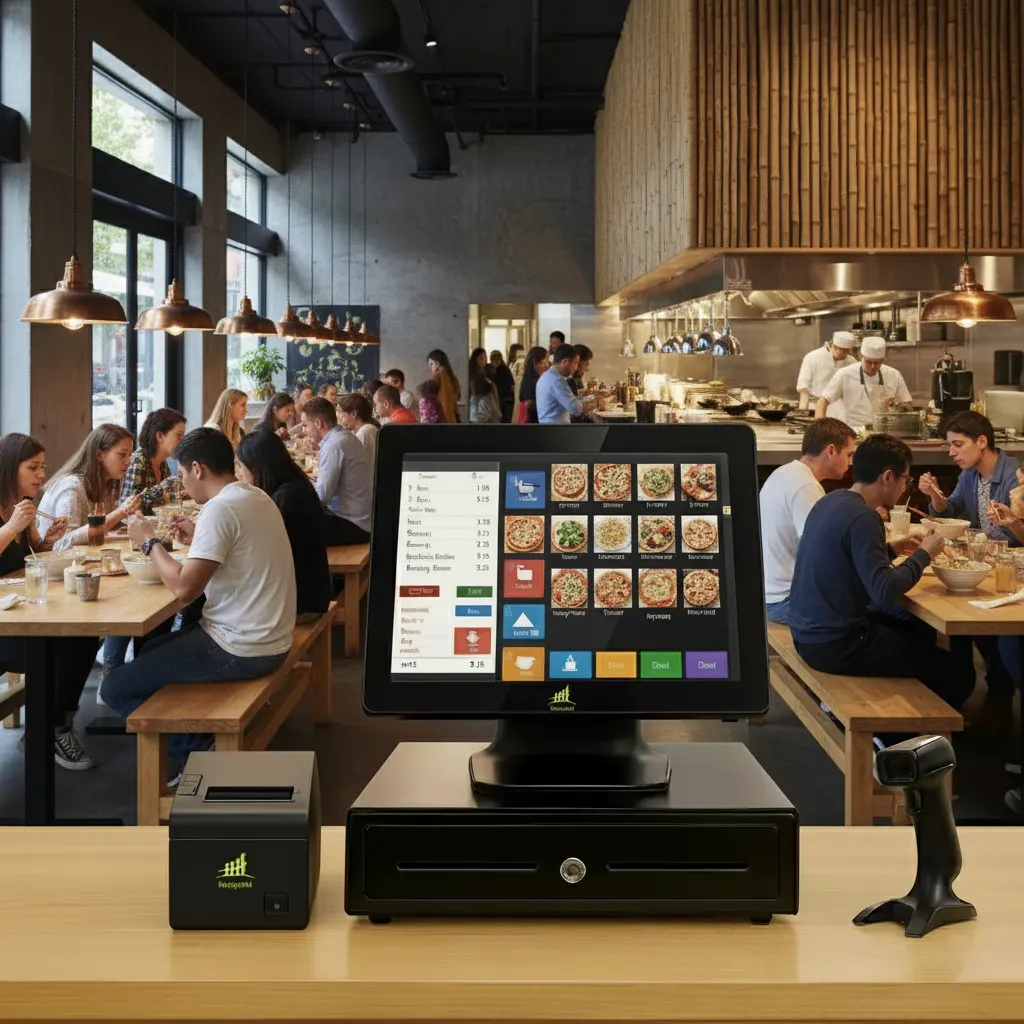
A kitchen display for restaurants is a digital system used to replace paper-based order tickets in the kitchen. Once an order is placed by a customer, it’s sent directly to the kitchen via the restaurant’s POS (point-of-sale) system. Orders are displayed on a screen in the kitchen, allowing staff to view and track orders in real time. This digital system helps manage incoming orders, reducing the risk of errors and improving overall efficiency.
The system allows kitchen staff to easily read order details, including special instructions and customizations, ensuring the preparation process is quick and accurate. Additionally, by integrating with your POS, it eliminates paper waste and enables faster communication between the kitchen and front-of-house staff.
Key Benefits of a Kitchen Display for Restaurants
Increased Order Accuracy
One of the primary benefits of a kitchen display system is its ability to eliminate the errors that come with handwritten tickets. Orders are displayed digitally, making it easier for kitchen staff to read and follow them precisely.
Faster Order Processing
Improved Communication
Better Order Management
Enhanced Reporting and Analytics
Reduced Paper Waste
How to Implement a Kitchen Display System
Choose the Right Platform
Choose a kitchen display system that integrates smoothly with your existing POS system. Look for a system that offers customization options and real-time tracking of orders.
Set Up the Hardware
Install the necessary hardware, including screens in the kitchen and any additional devices needed for managing orders. Ensure that the display is visible to all kitchen staff.
Train Your Staff
Proper training is crucial to ensure your kitchen and front-of-house staff understand how to use the system. Provide training on order tracking, handling special requests, and monitoring the system for optimal performance.
Monitor and Optimize
Once the system is set up, monitor its performance regularly. Gather feedback from staff and make adjustments as needed to ensure that the system is functioning smoothly.
Why Choose US Payrun for Your Kitchen Display Needs?
At US Payrun, we specialize in providing technology solutions that help restaurants optimize their operations. By integrating a kitchen display system with your POS, we help streamline kitchen workflows, reduce errors, and improve communication.
Our solutions are designed to integrate seamlessly with your existing systems, enabling you to manage orders more effectively and improve overall service quality. With US Payrun, you can be sure that your kitchen operations are running as smoothly and efficiently as possible.
Frequently Asked Questions (FAQs)
What is a kitchen display system?
How does a kitchen display system improve accuracy?
Can a kitchen display system speed up service?
How does it help with special requests?
Is it easy to set up a kitchen display system?
How does the system reduce paper waste?
What benefits can I track with a kitchen display system?
Boost Kitchen Efficiency: Streamline Orders with Our Display Systems!
A kitchen display for restaurants is an invaluable tool for improving efficiency, accuracy, and communication in your kitchen. By replacing paper-based order tickets with a digital system, you can streamline your operations, reduce errors, and enhance the customer experience. At US Payrun, we provide cutting-edge solutions that help optimize your restaurant’s kitchen workflow.
Ready to improve your kitchen operations? Contact US Payrun today to learn more about how our kitchen display systems can enhance your restaurant’s efficiency.
Ready to take your business to the next level?
KDS vs Printed Tickets
| Printed tickets | Kitchen display system | |
|---|---|---|
| Order speed | Printed, then carried to stations | Appears instantly on every station |
| Changes and voids | New ticket, easy to miss | Updated on screen and highlighted |
| Timing | No tracking | Timers show late orders by color |
| Reporting | None | Ticket times by hour and station |
| Mess and cost | Paper rolls, grease, lost tickets | No paper at the line |
Choosing Your KDS Setup
US Payrun kitchen displays come in 14 inch and 24 inch models. Small kitchens often use one 24 inch screen at the pass, while larger kitchens place a 14 inch screen at each station (grill, fryer, salads) with an expo screen to bring it together. Shop the touch kitchen display or see all POS hardware.
Switching Your Kitchen to US Payrun
Changing systems in a working restaurant has to happen without missing a service. Here is how we do it:
- Menu build. We load your items, modifiers, combos, prices and taxes, including menus exported from your old POS.
- Hardware setup. Terminals, printers, kitchen screens and card readers arrive configured and are tested before you open.
- Staff training. Every new customer gets a free one-on-one onboarding session, with simple roles for servers, cashiers and managers.
- Support. Free phone support is available 24/7 in English, and our Connecticut team is at (860) 844-3611.
More Questions, Answered
What size kitchen display do I need?
A single 24 inch screen works for many small kitchens. Larger kitchens often use 14 inch screens at each station plus an expo screen.
Do online orders show on the KDS?
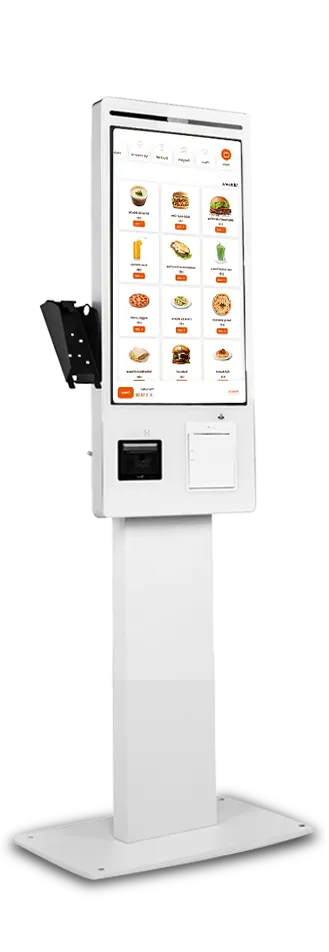
Yes. Counter, table, kiosk and online orders all appear in the same queue.
Can I keep a printer for to-go orders?
Yes. Many kitchens keep one printer for bag labels or expo while the line uses screens.