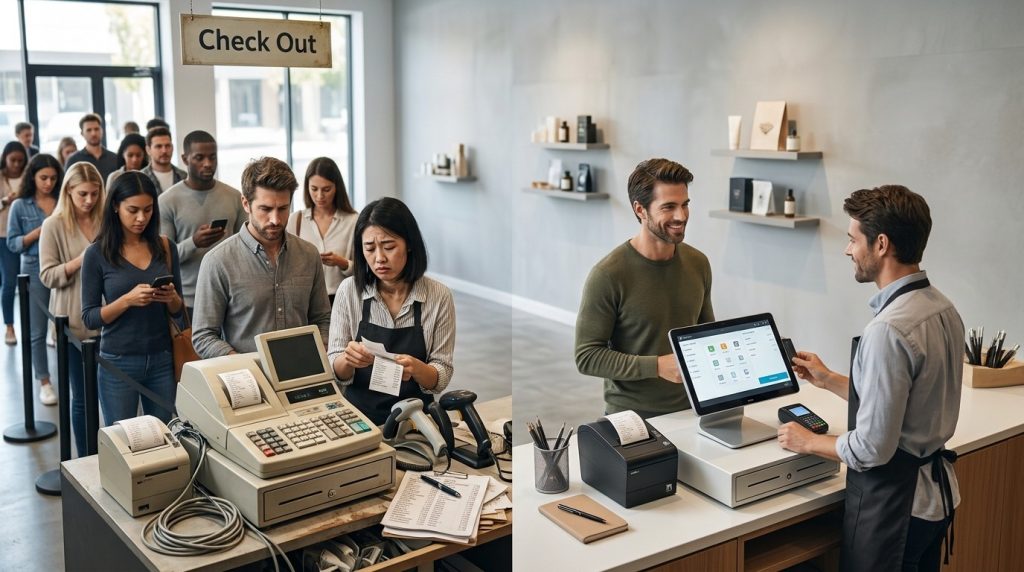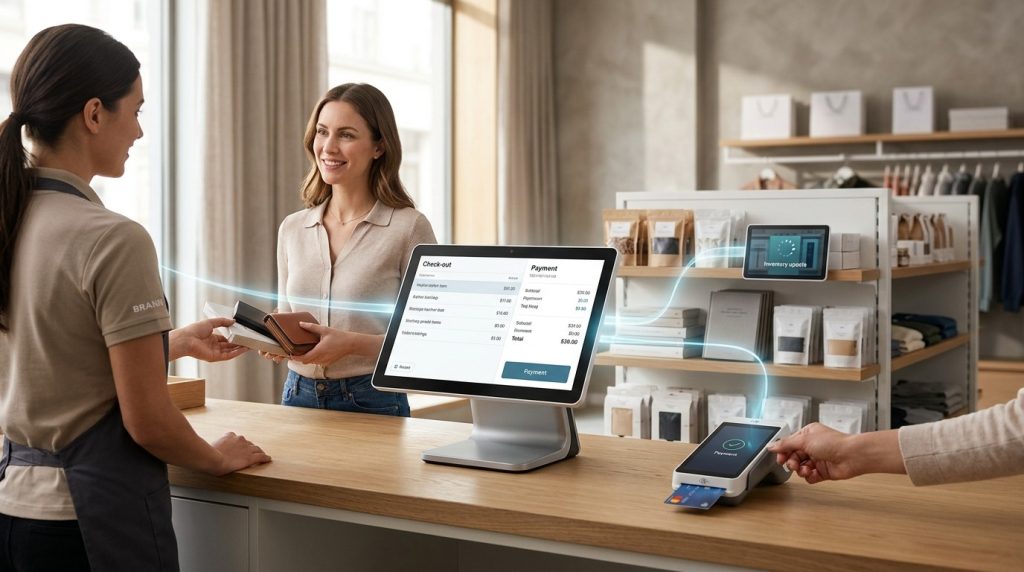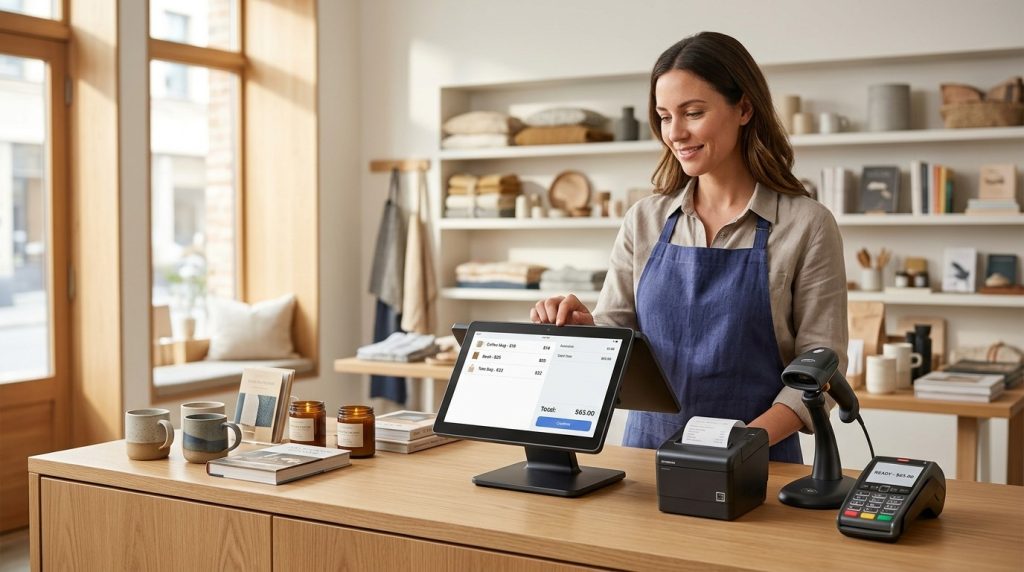

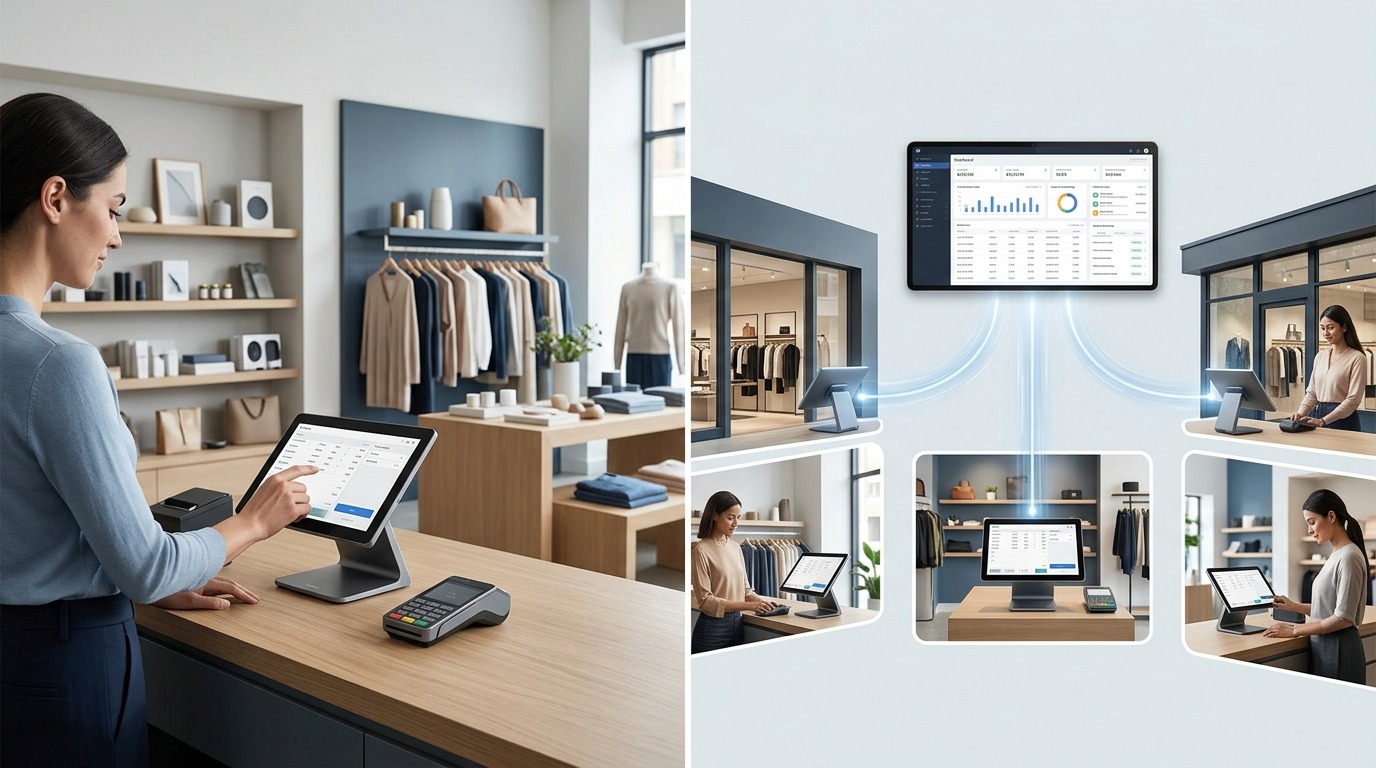
A restaurant POS system helps restaurants process payments, manage orders, track sales, and coordinate daily operations from one connected platform. The right system brings the front counter, dining room, kitchen, inventory, and reporting tools together, giving restaurant owners better control over their business.
Running a restaurant involves more than taking orders and collecting payments. Staff need accurate order details, kitchen teams need clear instructions, managers need reliable sales reports, and owners need to monitor food costs and inventory. A restaurant point-of-sale (POS) system helps organize these tasks while reducing manual work.
Whether you operate a quick-service restaurant, a cafe, a food truck, or a full-service dining establishment, understanding how restaurant POS software works helps you choose the right setup for your business in 2026. USPayrun helps businesses explore POS solutions suited to their operational requirements.
What Is a Restaurant POS System?
A restaurant POS system is a combination of software and hardware that manages customer orders, payment transactions, sales records, and restaurant operations. It serves as the central point where orders enter the system, payments are recorded, and business activity is tracked.
A typical setup includes a touchscreen terminal or tablet, payment terminal, receipt printer, and software for managing menu items and orders. Depending on the restaurant’s needs, it may include kitchen display screens, handheld ordering devices, barcode scanners, cash drawers, and online ordering integrations.
For example, a customer orders a chicken burger, fries, and a drink. The employee enters the order into the POS, selects the required modifiers, and sends it to the kitchen. The kitchen receives the order details, staff prepare the meal, and the POS records the payment when the transaction is completed.
The same transaction contributes to sales reports and, where configured, inventory records. This connection gives restaurant managers a clearer picture of daily activity without relying on separate manual records for every task.
How Does a Restaurant POS System Work?
A restaurant POS system connects the ordering, preparation, payment, and reporting stages of a restaurant transaction. The exact workflow depends on the restaurant’s service model and the features included in its software.
1. Staff Enter Customer Orders
The process begins when an employee selects menu items on the POS terminal or handheld device. The system records the order, including details such as portion size, toppings, cooking preferences, and special instructions.
A well-organized menu interface helps staff enter orders accurately, even during busy service periods. Table numbers, order types, and customer notes help identify where each order belongs.
2. Orders Reach the Kitchen
The POS sends order details to a kitchen display system (KDS) or designated kitchen printer. Kitchen staff receive the required items and instructions without relying on handwritten tickets or verbal messages.
Restaurants with multiple preparation stations can route items to the appropriate teams. For example, a burger order may go to the grill station while a drink order goes to the beverage counter.
3. Payments Are Processed
Once the order is ready for payment, the POS calculates the bill, applicable taxes, discounts, and gratuity according to the configured settings. The customer pays using a supported method, such as a credit card, debit card, contactless payment, or cash.
The system records the transaction and generates a receipt when configured to do so. Integrated payment processing connects the payment record with the corresponding sale.
4. Sales and Inventory Records Update
After a transaction, the POS updates sales reports and other connected records. Inventory updates depend on the system’s configuration and the level of inventory tracking enabled.
A restaurant that tracks menu ingredients can use sales data to estimate ingredient usage and review stock levels. This helps managers identify purchasing needs and investigate discrepancies between expected and actual inventory.
5. Managers Review Performance
Restaurant owners and managers use POS reports to review revenue, popular menu items, transaction activity, discounts, and employee performance. More advanced systems provide labor reporting, ingredient costing, and multi-location analytics.
These records help managers evaluate what is selling, where costs are rising, and which operational changes deserve attention.
What Features Should a Restaurant POS System Include?
The best restaurant POS system includes features that match the restaurant’s service style, menu, and management needs. A small cafe does not require the same setup as a multi-location restaurant group, but every business benefits from accurate orders, reliable payment records, and useful reporting.
Order Management
Order management organizes dine-in, takeout, pickup, and delivery orders within the POS workflow. Staff can enter menu items, apply modifiers, add special instructions, and track order status.
Restaurants with table service benefit from table mapping, open checks, bill splitting, and the ability to transfer orders between employees. Quick-service restaurants need fast order entry and a clear process for sending orders to preparation stations.
Menu Management
Menu management allows restaurants to organize categories, update prices, configure modifiers, and mark unavailable items as sold out. Centralized menu controls help maintain accurate information across supported terminals and connected ordering channels.
For example, a restaurant that runs out of grilled chicken needs staff to stop accepting orders for that item. A POS with suitable menu controls helps prevent orders for unavailable dishes and reduces unnecessary refunds.
Kitchen Display System
A kitchen display system shows incoming orders on a screen in the kitchen. Staff can review items, special instructions, preparation status, and order timing without depending entirely on printed tickets.
A KDS is particularly useful for restaurants with several preparation stations or high order volumes. Features such as ticket prioritization and preparation timers help teams organize work during peak service.
Payment Processing
Payment processing allows the restaurant to accept supported payment methods and record transactions. Look for compatibility with the payment methods your customers use, clear transaction reporting, and a straightforward refund process.
Review processing fees carefully. A small percentage difference can affect costs when the restaurant handles substantial card sales. Check the full agreement rather than relying on an advertised rate alone.
Inventory and Ingredient Tracking
Inventory management helps restaurants monitor stock levels, record purchases, and identify ingredients that need replenishment. Advanced systems connect menu sales with ingredient usage through configured recipes.
For example, selling 50 chicken sandwiches should correspond to expected usage of chicken, buns, and other recipe ingredients. Actual usage can differ because of waste, portion variation, spoilage, or incorrect records, so inventory reports still require review.
Sales Reporting and Analytics
Reporting tools show sales totals, transaction counts, discounts, taxes, payment methods, and product performance. More advanced systems provide comparisons across shifts, employees, menu categories, and locations.
Restaurant owners use these reports to evaluate menu performance, monitor revenue patterns, and support purchasing decisions. Useful reports should be easy to access and understand without requiring manual spreadsheet work for every routine question.
Employee and Labor Management
Employee management features allow owners to set user permissions, track shifts, review sales activity, and connect with scheduling or payroll tools where supported.
Individual logins help create accountability and make it easier to review actions such as refunds, discounts, and voided transactions. Access controls also help protect sensitive business settings.
Online Ordering and Delivery Integrations
Online ordering integrations connect digital orders with the restaurant’s POS workflow. Depending on the system, orders from a restaurant website, ordering application, or third-party marketplace may flow into the same order management process.
This reduces the need for staff to re-enter orders manually and helps keep menu information consistent across connected channels. Before purchasing a system, verify which integrations are available, whether they require additional fees, and whether they support your existing ordering providers.
Which Type of Restaurant POS System Do You Need?
The right POS setup depends on how customers order, how food is prepared, and how staff manage service. Choosing according to your restaurant model helps avoid paying for unnecessary tools or missing essential features.
Quick-Service Restaurants and Fast Food
Quick-service restaurants need fast checkout, clear order routing, menu modifiers, and efficient pickup management. Kitchen display screens and order-status tracking help staff coordinate preparation when many orders arrive at once.
A compact touchscreen setup may suit a small counter-service restaurant, while a busy operation may benefit from customer-facing displays, self-service kiosks, or dedicated pickup screens.
Full-Service Restaurants
Full-service restaurants need tools for table management, server ordering, open checks, split payments, tips, and communication with the kitchen. Handheld POS devices let servers enter orders and, where supported, accept payments near the table.
Table mapping and course management help coordinate larger parties and complex dining experiences. Restaurants should prioritize systems that support their seating arrangement and service style.
Cafes and Coffee Shops
Cafes need a quick checkout process, customizable drink orders, modifier management, and clear handling of takeaway orders. Loyalty programs and customer purchase records can help encourage repeat visits when those features fit the business.
A simple terminal may suit a small cafe, while a busy coffee shop may need kitchen display screens, mobile ordering, and several checkout stations.
Food Trucks and Mobile Restaurants
Food trucks need compact hardware, mobile-friendly workflows, and reliable payment acceptance. The ability to operate during connectivity interruptions is important when service takes place at outdoor events or locations with inconsistent internet access.
Check which offline functions are supported and how pending payments are handled. Not every POS system supports the same offline capabilities, and some payment types still require a connection.
Multi-Location Restaurant Groups
Restaurant groups need centralized reporting, consistent menus, location-level permissions, and consolidated sales information. Some businesses also need shared inventory oversight, labor reporting, and controlled menu updates across branches.
Confirm that the selected plan supports the number of locations and terminals you intend to operate. Features available for one location may require a higher plan or additional fees when the business expands.
How Much Does a Restaurant POS System Cost in 2026?
Restaurant POS costs depend on software subscriptions, hardware, payment processing, setup, and optional integrations. Some providers offer entry-level software with no monthly subscription, while more advanced restaurant systems charge recurring fees or provide custom quotes.
The total cost generally falls into five categories.
- Software subscriptions: Monthly or annual fees for POS access, order management, reporting, inventory, and employee tools.
- Hardware: Terminals, tablets, handheld devices, card readers, receipt printers, cash drawers, and kitchen display screens.
- Payment processing: Fees charged on card transactions and other supported payment methods. Rates vary by provider, payment method, plan, and contract.
- Installation and training: Costs for hardware setup, menu configuration, data migration, and staff training when these services are charged separately.
- Add-ons and integrations: Extra charges for online ordering, loyalty programs, advanced inventory, delivery integrations, or additional terminals.
A small cafe with one terminal and basic reporting has different cost requirements from a full-service restaurant with several handheld devices and kitchen screens. Comparing software subscriptions alone does not reveal the full expense.
Before signing an agreement, request a quote that lists recurring fees, processing rates, hardware costs, implementation charges, contract terms, and cancellation conditions. Estimate the cost using your actual transaction volume and expected number of devices.
How to Choose the Best Restaurant POS System
Choosing a restaurant POS system starts with identifying the problems you want it to solve. The right system should fit your current workflow, budget, and plans for growth.
Define Your Restaurant’s Needs
List the tasks your team handles every day. Consider order entry, kitchen communication, payment processing, menu updates, inventory, scheduling, and reporting.
Separate essential features from optional ones. A small takeaway restaurant may prioritize fast checkout and order routing, while a full-service restaurant needs table management and split billing.
Compare the Total Cost
Review the cost of software, hardware, processing, integrations, and support. Calculate how those charges affect your business at its current sales volume.
Ask whether the provider requires a long-term agreement, specific payment processor, or proprietary hardware. Understand the financial implications before committing.
Check Ease of Use
Staff need to learn the system without unnecessary disruption to service. A clear interface, logical menu layout, and straightforward order modification process help employees work efficiently.
Request a demonstration using realistic examples from your menu. Test common tasks such as sending an order to the kitchen, removing an item, splitting a check, and processing a refund.
Review Integrations
Check whether the POS connects with your accounting software, online ordering platform, delivery services, inventory tools, and payroll provider where required.
Verify the exact integration and plan requirements. Some connections require paid subscriptions or third-party services, and not every feature works across all platforms.
Ask About Support and Reliability
Restaurant technology must work during busy service periods. Review support hours, available contact channels, replacement policies, software updates, and troubleshooting procedures.
Ask how the system handles an internet outage, power interruption, or failed payment terminal. Understand which functions continue offline and which require a working connection.
Common Restaurant POS Mistakes to Avoid
The wrong POS choice can create extra costs and complicate daily operations. Avoid these common mistakes when comparing systems.
Choosing only by price: A low subscription does not guarantee low total cost. Include processing fees, hardware, integrations, and support in the comparison.
Ignoring kitchen workflows: A system that handles checkout well may not offer the order routing or kitchen display features your restaurant needs.
Overlooking inventory requirements: Basic sales tracking does not always provide ingredient-level inventory. Check whether the system supports recipe costing and stock management.
Failing to check contract terms: Review hardware ownership, payment processing agreements, cancellation fees, and data access before signing.
Skipping staff training: Even a capable POS system requires consistent setup and training. Staff should understand order entry, refunds, discounts, and end-of-day procedures.
Ignoring future growth: A system that works for one location may not support additional branches, consolidated reporting, or more complex inventory requirements without an upgrade.
How a Restaurant POS System Supports Business Growth
A restaurant POS system supports growth by giving owners more organized sales records, clearer operational data, and connected workflows. It does not guarantee higher revenue, but it helps managers make better-informed decisions.
Sales reports reveal popular menu items and changes in demand. Inventory records help managers identify purchasing needs and investigate waste. Employee reports provide insight into staffing and transaction activity, while integrated ordering tools help organize sales from different channels.
As a restaurant grows, these records become more valuable. Owners can compare performance across shifts or locations, review menu changes, and standardize processes without depending entirely on manual reports.
The biggest benefit comes from using the information consistently. A POS system provides data; restaurant managers still need to interpret it, control costs, train staff, and maintain food quality.
Conclusion: Choose a Restaurant POS System That Fits Your Operations
The best restaurant POS system connects order management, payment processing, kitchen communication, inventory tracking, and sales reporting in one workflow. The right choice depends on your restaurant’s service model, transaction volume, budget, and plans for growth.
Before making a decision, compare the total cost of software, hardware, payment processing, and integrations. Check that the system supports your menu, kitchen workflow, online ordering channels, and reporting requirements. A practical POS setup should solve current operational problems without adding unnecessary complexity.
For restaurant owners, the goal is to choose a system that helps staff manage orders accurately, gives managers useful business data, and supports consistent daily operations.
Find the Right Restaurant POS Solution With USPayrun
USPayrun helps businesses explore POS solutions based on their operational requirements. Whether you run a cafe, a quick-service restaurant, or a full-service dining establishment, start by identifying the features, hardware, and payment options your team needs.
Ready to find a restaurant POS system that fits your business?
Visit USPayrun to explore POS solutions and find a setup that aligns with your restaurant’s workflow, budget, and business goals.
Frequently Asked Questions About Restaurant POS Systems
1. What is the difference between a cloud-based and a traditional restaurant POS system?
A cloud-based POS stores or synchronizes data through online services, while traditional systems rely more heavily on local hardware and infrastructure. Features and offline capabilities vary by provider.
2. Can a restaurant POS system help reduce food waste?
Yes. Ingredient tracking, recipe costing, and sales reports help restaurants compare expected ingredient usage with actual stock levels and identify potential waste.
3. Is a restaurant POS system suitable for a small food business?
Yes. Small cafes, food trucks, and takeaway restaurants benefit from order entry, payment records, and sales reporting. The key is choosing a setup that matches the business’s needs and budget.
4. Does a restaurant POS system include online ordering?
Some POS systems include online ordering, while others rely on integrations or separate services. Confirm the available features, supported platforms, and additional charges before purchasing.
5. What information should I prepare before requesting a POS quote?
Prepare your restaurant type, number of locations, expected transaction volume, hardware requirements, payment methods, and required integrations. This helps providers recommend a suitable setup and outline the total cost.