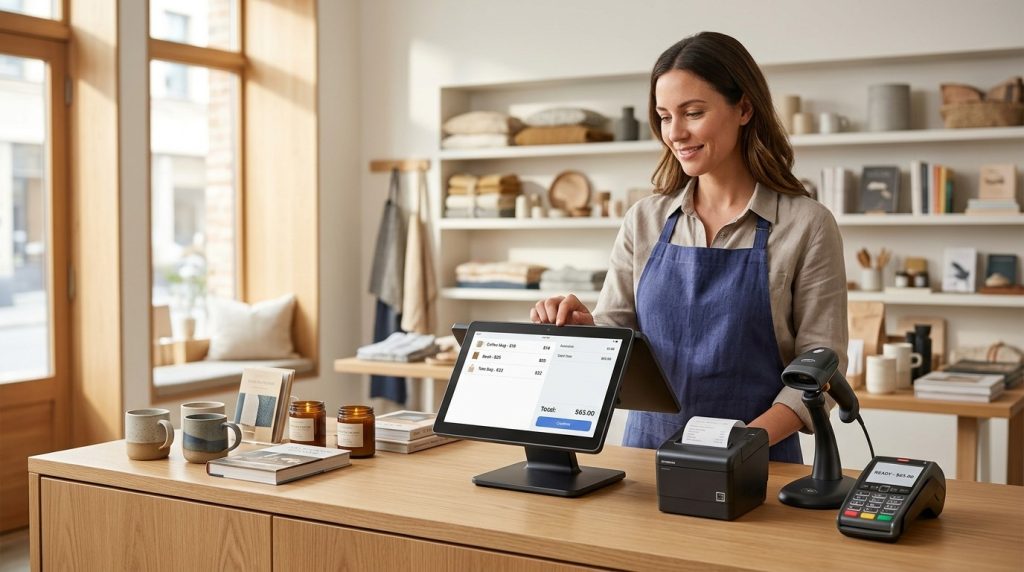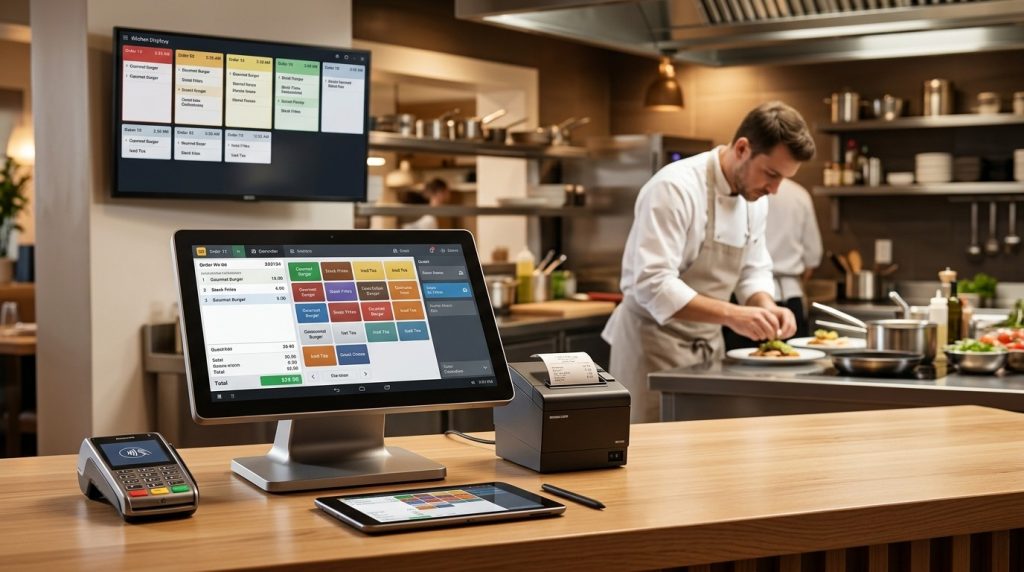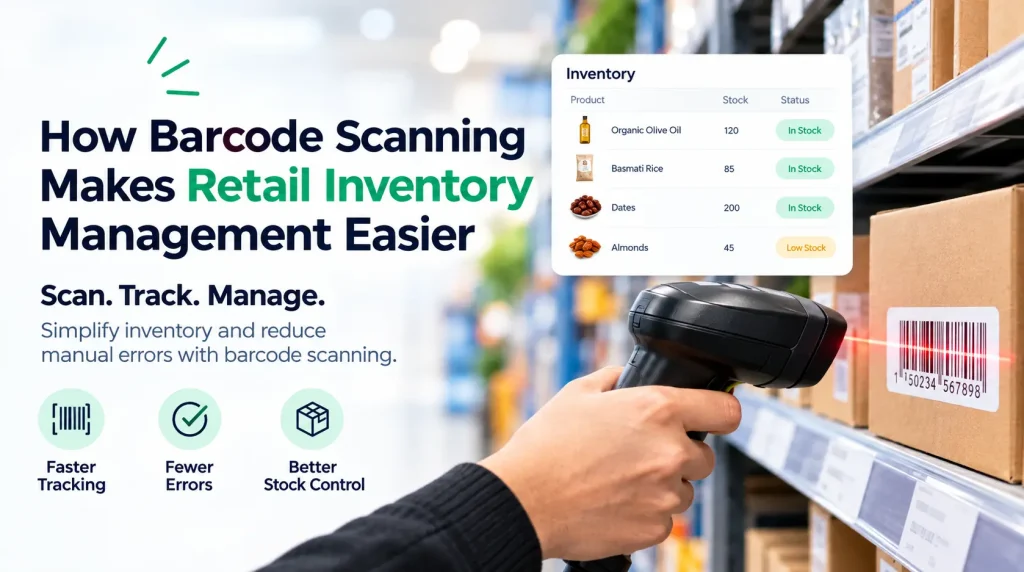

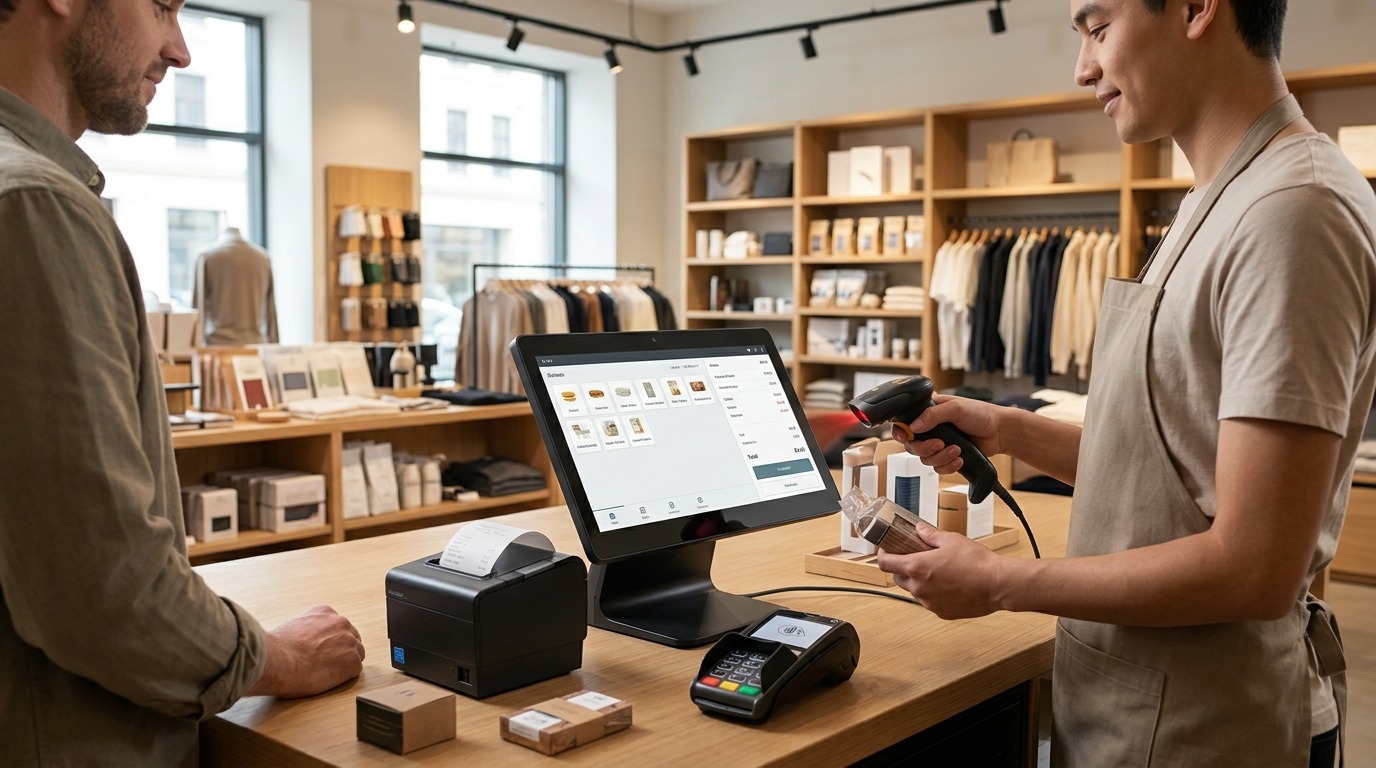
A POS system connects sales, inventory, and payments by recording each transaction in one central system. When a customer makes a purchase, the POS records the sale, processes the payment, and updates inventory based on the items sold. This gives businesses a clearer view of what they sold, how customers paid, and what stock remains.
Instead of managing sales records, inventory counts, and payment information separately, businesses can bring these functions together through one POS system. US Payrun provides POS solutions with sales tracking, inventory management, payment processing, reporting, and other tools for retail and service businesses.
What Does a POS System Connect?
A POS system connects several parts of a business that are directly related to every transaction.
The basic flow is:
Customer purchase → Sale recorded → Payment processed → Inventory updated → Transaction reported
For example, a customer purchases three products from a retail store. The POS records the three items, calculates the total, processes the customer’s payment, and adjusts the inventory count.
That single transaction creates useful information across multiple areas of the business.
How Does a POS System Connect Sales and Inventory?
Every product sold through the POS is connected to an inventory record. When the sale is completed, the system uses the transaction information to update the available stock.
Imagine a store has 50 units of a particular product. A customer buys two.
The POS records the sale and the inventory count moves from 50 units to 48.
This connection gives the business a more current view of stock without requiring employees to manually update inventory after every transaction.
Sales Automatically Affect Stock Levels
Sales and inventory are closely connected because every product sale changes the amount of stock available.
A POS system links the product being sold with its inventory record. That relationship helps businesses monitor product quantities as transactions take place.
For retailers with hundreds or thousands of products, this becomes especially important. Manual inventory updates become harder to maintain as product volume increases.
Inventory Data Helps Businesses Track Product Performance
Sales data does more than record revenue. It shows which products customers are purchasing.
A business can use sales information to identify:
- Fast-selling products
- Slow-moving inventory
- Popular product categories
- Sales trends
- Products that need replenishment
This makes inventory management more connected to actual customer demand.
How Does a POS System Connect Sales and Payments?
The POS is the point where the sale and payment come together.
Once the customer selects their products or services, the system calculates the transaction total. The payment is then processed through the connected payment solution.
The completed transaction records both the sale amount and payment information.
Depending on the setup, customers may pay using options such as credit cards, debit cards, mobile payments, or other supported payment methods.
US Payrun provides payment processing solutions for businesses and supports different payment methods across its POS offerings.
One Transaction Creates One Record
Without an integrated POS, employees may need to enter sales into one system and payment information into another.
A connected POS reduces this separation.
The transaction contains information about what was sold, the amount charged, and how the customer paid. This creates a more complete record of the purchase.
How Does a POS System Connect Payments and Inventory?
Payments and inventory may seem like separate business functions, but both are tied to the same customer transaction.
Consider a customer buying a $40 product.
The POS:
- Records the product sale.
- Calculates the $40 transaction.
- Processes the customer’s payment.
- Updates the product inventory.
- Stores the transaction information for reporting.
The payment confirms the financial side of the transaction. The inventory update reflects the physical product leaving the business.
The POS connects both events through the same sale.
Why Is This Connection Important for Retail Businesses?
Retail businesses manage large numbers of individual transactions. Every transaction affects revenue, payment records, and inventory.
When those areas are connected, business owners have a clearer picture of daily operations.
Better Inventory Visibility
Real-time inventory information helps businesses understand how much stock is available.
This matters when products sell quickly. Employees can check current inventory rather than relying entirely on manual counts.
More Accurate Sales Records
Every transaction is recorded through the POS. This gives businesses organized sales information that can be reviewed through reports.
Owners can review sales by product, transaction, employee, location, or other available categories based on their POS setup.
Easier Payment Tracking
A connected payment system keeps payment information tied to the original transaction.
This helps businesses review transactions and reconcile sales more efficiently.
Better Business Reporting
Once sales, payments, and inventory data are connected, reports become more useful.
A business can compare sales activity with inventory movement and payment records rather than reviewing each area separately.
How Does a POS System Help With Inventory Management?
Inventory management is one of the most important areas affected by POS integration.
A POS system can connect product information with sales activity, giving businesses a clearer understanding of inventory movement.
US Payrun highlights real-time inventory management as part of its POS solutions, helping businesses monitor stock and connect inventory activity with sales.
Track Stock as Products Sell
Each completed transaction affects the available quantity of the products included in the sale.
This gives employees a current reference point when checking stock.
Identify Products That Need Reordering
Sales data helps show which products are moving quickly.
When inventory levels fall, businesses can use this information to plan replenishment before popular products run out.
Reduce Manual Inventory Updates
Without POS integration, employees may need to record sales and then update inventory separately.
Connecting these functions reduces repetitive data entry and gives the business one central transaction record.
How Does a POS System Help With Payment Processing?
Payment processing is another core part of the POS transaction.
A customer does not simply purchase a product. The business must record the sale, calculate the amount due, accept payment, and keep a record of the completed transaction.
A connected POS brings these steps together.
US Payrun offers payment solutions designed to work with business POS systems, supporting card and other payment options depending on the business setup.
The result is a transaction record that connects the purchased product or service with its final payment.
What Happens to Inventory When a Customer Returns a Product?
Returns create another important connection between sales and inventory.
When a return is processed through the POS, the original transaction provides a reference for the purchase. The business can then record the return and adjust inventory according to its return policy and POS configuration.
This is important because a returned product changes the inventory position.
A connected system helps keep the sales record and inventory record aligned instead of treating the return as a completely separate manual process.
How Does a POS System Help Businesses Make Better Decisions?
A POS system becomes more valuable when businesses use the information generated by everyday transactions.
Sales tell you what customers purchased.
Inventory tells you what remains.
Payment information tells you how transactions were completed.
Reporting brings this information together so business owners can review performance.
For example, a retailer may discover that one product sells quickly but generates lower revenue than another product that sells fewer units. Looking at sales and inventory information together gives the owner more context for purchasing, pricing, and merchandising decisions.
Does a POS System Work for Multi-Location Businesses?
Yes. A multi-store POS system can connect sales and inventory information across multiple locations.
Instead of managing every store as an isolated operation, businesses can use centralized POS management to view information across locations.
This is especially useful for businesses that need to compare store performance, monitor inventory, manage pricing, or review sales from multiple locations.
US Payrun offers multi-store POS solutions designed to help businesses manage multiple locations through centralized tools.
What Should You Look for in a POS System?
A POS system should do more than process a customer’s payment. Look for a system that connects the major parts of your daily operation.
Important capabilities include:
Sales tracking: The system should record transactions and provide useful sales information.
Inventory management: Product quantities should connect with sales activity.
Payment processing: Customers should have access to the payment methods your business accepts.
Reporting: Business owners should have access to useful transaction and performance information.
Employee management: The system should provide tools for monitoring employee activity where needed.
Multi-location support: Businesses with multiple stores should have centralized management options.
Cloud access: Cloud-based POS systems provide access to business information from supported devices and locations.
The right combination depends on the industry, business size, number of locations, products, and payment requirements.
Why Choose US Payrun for Your POS System?
US Payrun provides POS solutions designed to bring sales, inventory, payments, and business reporting together in one system.
Its solutions serve different business types, including retail stores, restaurants, convenience stores, smoke shops, pizza shops, gas stations, salons, and other businesses.
For a single-location business, the system can provide the tools needed to manage everyday transactions and inventory. For businesses with multiple locations, centralized POS capabilities provide a way to manage operations across stores.
The goal is simple: keep the information generated by each transaction connected so your business has a clearer view of sales, inventory, and payments.
Connect Sales, Inventory, and Payments With US Payrun
A POS system is more than a checkout terminal. It connects the transaction taking place at the counter with the inventory leaving the shelf and the payment entering the business.
That connection gives business owners better access to operational information and reduces the need to manage each function separately.
Looking for a POS system that connects sales, inventory, and payments? Contact US Payrun to find a solution that fits your business and its day-to-day operations.
FAQs
Can a POS system track inventory automatically after a sale?
Yes. Connected POS systems update inventory based on completed sales.
Does a POS system record payment information with each sale?
Yes. Payment details are connected to the transaction record based on the system and payment setup.
Can POS systems handle product returns?
Yes. POS systems can record returns and update inventory according to the configured return process.
Can a POS system connect inventory across multiple stores?
Yes. Multi-store POS systems provide centralized inventory visibility across supported locations.
Can POS data help with purchasing decisions?
Yes. Sales and inventory reports show which products are selling and help businesses plan inventory replenishment.