
Choosing between a single-store and multi-store POS system depends on how your business operates today and where you plan to take it. A single-store POS fits a business managing one location, while a multi-store POS connects several locations through one system. US Payrun provides POS solutions designed for both setups, with tools for sales, payments, inventory, reporting, and business management.
The right choice is not simply about how many stores you have. Your inventory structure, reporting needs, employee management, pricing, payment processing, and growth plans all matter. Understanding the difference helps you choose a POS system that fits your operation instead of paying for features you do not need.
What Is a Single-Store POS System?
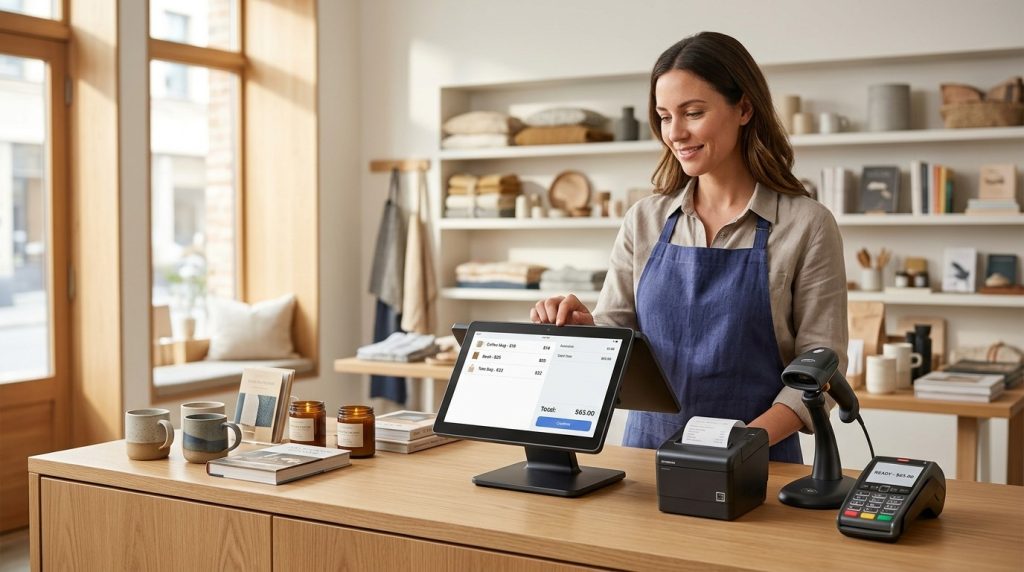
A single-store POS system is designed to manage the daily operations of one business location. It brings essential functions such as sales transactions, payment processing, inventory tracking, reporting, and customer management into one platform.
For a local retail shop, boutique, salon, restaurant, convenience store, or other single-location business, this setup keeps operations organized without adding the complexity of multiple-location management.
A single-store POS may help you:
- Process customer payments
- Track sales and transactions
- Monitor inventory
- Manage products and pricing
- Review sales reports
- Track employee activity
- Accept different payment methods
- Manage customer information
US Payrun’s small-business POS solutions include payment processing, real-time inventory management, sales reporting, employee tools, cloud-based access, and customizable features for different industries.
Who Should Choose a Single-Store POS?
A single-store POS is a strong fit for businesses with one physical location and one central operation.
It makes sense for a business that:
- Operates from one store
- Has one primary inventory
- Needs straightforward sales reporting
- Has a small or moderate employee team
- Does not need to transfer inventory between locations
- Wants a POS system that supports future growth
A single-store setup does not mean your business has to stay small. The important consideration is whether your current operation requires centralized management across separate locations.
What Is a Multi-Store POS System?
A multi-store POS system connects multiple business locations through one centralized platform. Instead of managing each store as an isolated operation, owners and managers can view sales, inventory, pricing, and other business information across locations.
This becomes especially valuable as the number of stores increases.
For example, imagine a retailer with locations in Connecticut, New York, and New Jersey. With separate POS systems, the owner may need to review each store individually and combine information to understand overall performance.
A centralized multi-store POS brings that information together.
US Payrun’s multi-store solution is designed to centralize inventory and pricing while providing unified sales reporting across locations.
Single-Store vs. Multi-Store POS: What Is the Difference?
The biggest difference is centralization.
A single-store POS focuses on managing one location. A multi-store POS connects several locations so the business owner can manage them from one system.
| Feature | Single-Store POS | Multi-Store POS |
| Sales tracking | One location | Multiple locations |
| Inventory | Store-level | Centralized across stores |
| Pricing | Managed at one location | Managed across locations |
| Reporting | Individual store | Company-wide and store-level |
| Promotions | Store-specific | Centralized management |
| Stock transfers | Not a core requirement | Useful across locations |
| Management | One operation | Multiple operations |
| Scalability | Best for one location | Built for expansion |
The distinction becomes more important when your business starts adding locations. A system that works well for one store may become harder to manage when every new location creates another set of inventory records, reports, pricing updates, and employee data.
How Does a Single-Store POS Help Your Business?
A single-store POS gives you one place to manage the essential parts of daily business operations.
Better Sales Tracking
Every transaction is recorded through the POS, giving you a clearer view of sales activity. Instead of relying on manual records, you can use reports to review revenue, transaction activity, and product performance.
Easier Inventory Management
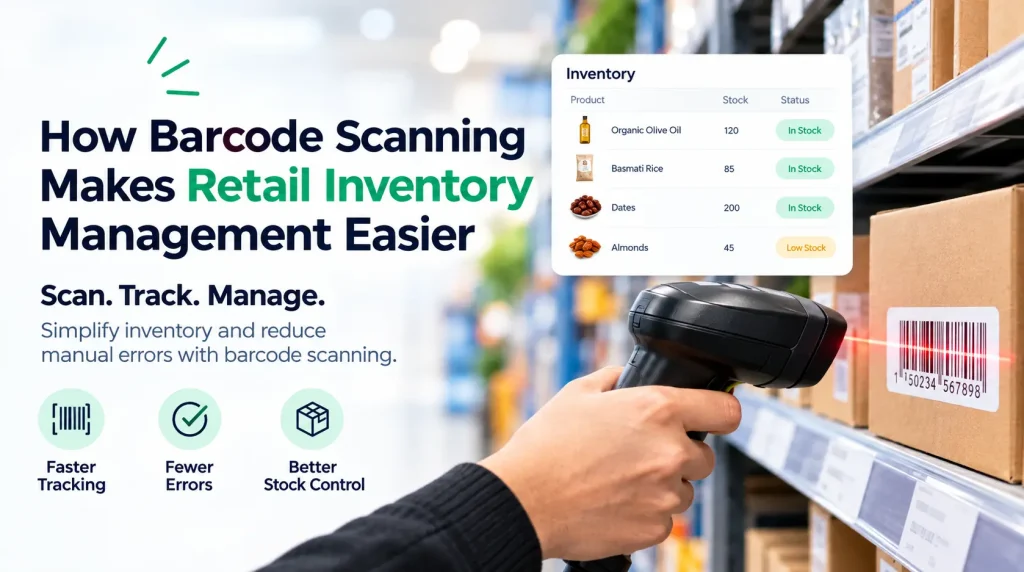
Inventory updates with sales activity, helping you keep track of what is available. Real-time inventory management is one of the core capabilities US Payrun highlights for its POS solutions.
Faster Payment Processing
A POS system connects sales and payment processing in one workflow. US Payrun supports different payment methods, including cards and mobile payments, through its payment solutions.
Clearer Business Reporting
Sales reports give owners useful information about business performance. Instead of relying on guesswork, you have transaction data available for daily management and planning.
How Does a Multi-Store POS Help Your Business?
Once you operate several locations, the management challenge changes. You are no longer tracking one inventory, one sales report, and one team.
You are managing several operations at once.
A multi-store POS addresses this through centralized management.
Centralized Inventory Management
A multi-store system lets you view inventory across locations. This makes it easier to identify which store has excess stock and which location needs more of a particular product.
US Payrun’s multi-store POS is designed to provide real-time visibility into stock levels across locations.
Consistent Pricing Across Locations
Managing prices manually at several stores creates room for inconsistencies. A centralized POS allows pricing and promotions to be managed from one platform, helping stores follow the same pricing structure.
Unified Sales Reporting
A multi-store system gives business owners a broader view of company performance while still allowing individual locations to be reviewed.
You can compare stores, identify strong-selling products, review location-level performance, and spot areas that need attention.
Easier Business Expansion
Adding another location becomes easier when your POS infrastructure is already designed for multiple stores. Rather than creating an entirely separate management process, the new location becomes part of the existing system.
When Should You Upgrade From a Single-Store to a Multi-Store POS?
The need for a multi-store POS usually becomes clear when your business starts operating beyond one location.
You may need a multi-store system when:
You are opening another location. Managing two stores through completely separate systems creates additional administrative work.
You need company-wide inventory visibility. Checking stock separately at every location makes it harder to understand your total inventory position.
Your pricing and promotions need to stay consistent. Centralized controls reduce the need to make the same updates repeatedly.
You want consolidated reporting. Comparing location performance becomes much easier when sales data lives within one platform.
You plan to keep expanding. Choosing a scalable POS before expansion helps create a consistent operational structure as new locations are added.
US Payrun specifically positions its POS solutions as scalable for businesses ranging from small operations to multi-location enterprises.
Does a Multi-Store POS Make Sense for a Small Business?
Yes, when the small business has multiple locations or a clear expansion plan.
The number of employees or size of the business is not the only factor. A two-location retailer may have a greater need for centralized POS management than a much larger business operating from one location.
The key question is simple:
Do you need to manage more than one business location from a central system?
When the answer is yes, multi-store functionality becomes much more valuable.
What Should You Consider Before Choosing a POS System?
Look beyond the checkout screen. A POS system affects several parts of your operation.Consider:
Inventory: Do you need to track stock in one location or across several stores?
Reporting: Do you need one store’s reports or consolidated business reporting?
Pricing: Will prices and promotions remain local, or need centralized control?
Payments: Which payment methods does your business accept?
Employee management: Do managers need visibility into staff activity across locations?
Growth: Are you planning to open additional stores?
Access: Do you need cloud-based access to business information from different locations?
US Payrun provides cloud-based POS solutions with reporting, inventory management, payment processing, and scalable features designed for different business needs.
Why Choose US Payrun for Single-Store or Multi-Store POS?
US Payrun provides POS solutions for businesses at different stages of growth. A single-location business can use POS tools for sales, inventory, payments, and reporting, while businesses with multiple locations can use centralized management for inventory, pricing, sales data, and store performance.
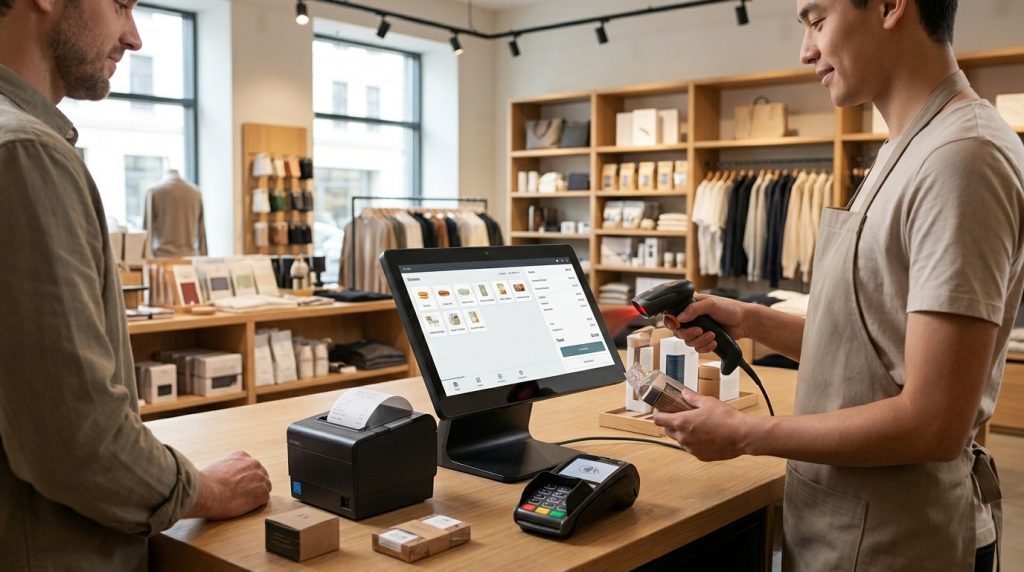
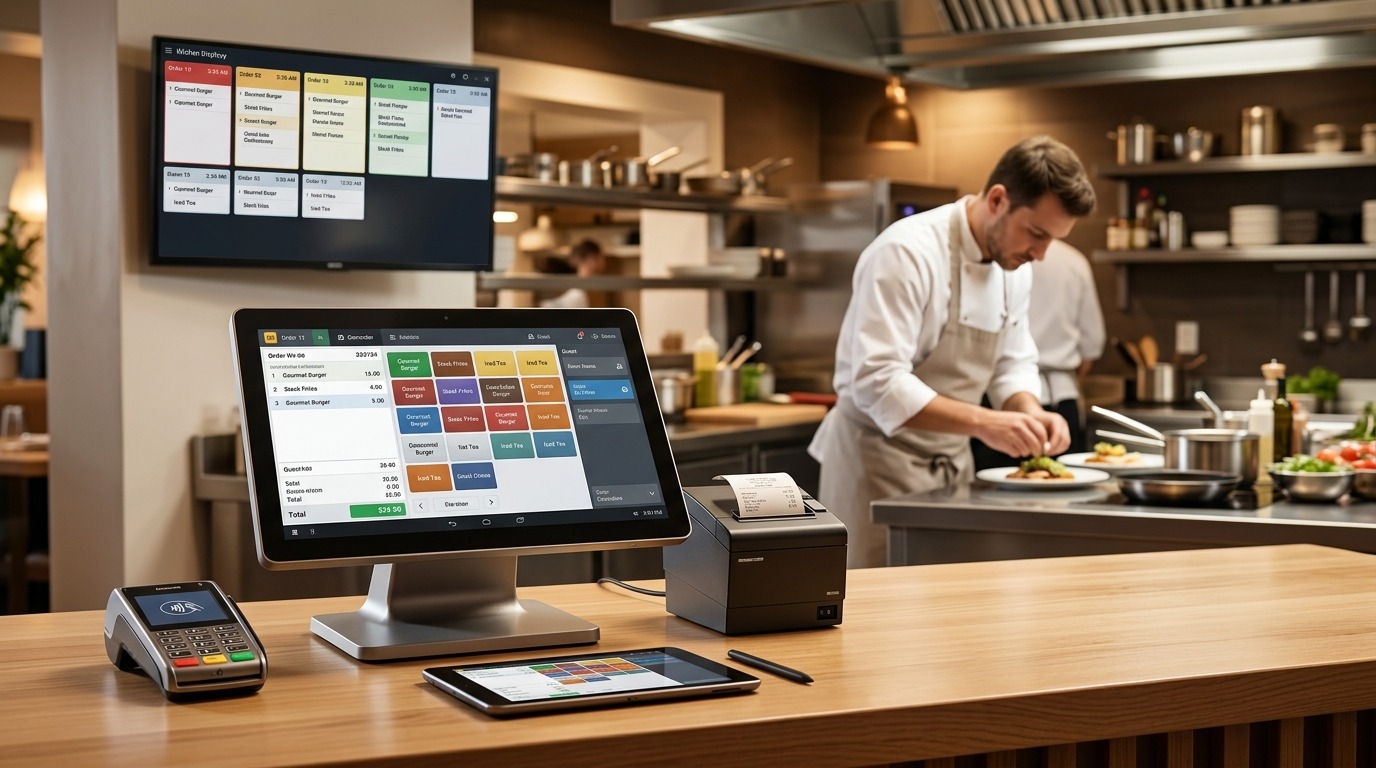
The platform supports several industries, including retail, restaurants, convenience stores, smoke shops, pizza shops, gas stations, salons, and other businesses. Its POS hardware lineup includes options such as compact terminals, handheld devices, dual-screen stations, and kitchen display systems.
That means the right POS setup can be built around the way your business actually operates rather than forcing every business into the same configuration.
Choose the POS System That Fits Your Business
A single-store POS is the practical choice for businesses managing one location. A multi-store POS becomes the better fit when several locations need to share inventory, pricing, reporting, and management tools.
The important part is choosing a system that matches your current operation while giving you room to grow.
Ready to find the right POS setup for your business? Contact US Payrun to discuss a POS solution built around your store, industry, and growth plans.
FAQs
Can a single-store POS support a growing business?
Yes. A single-store system supports daily operations while the business remains at one location.
Can a multi-store POS manage different store locations?
Yes. A multi-store POS connects multiple locations through one centralized platform.
Can I manage inventory across multiple stores?
Yes. Multi-store POS systems provide centralized visibility into inventory across locations.
Does every business need a multi-store POS?
No. A business operating from one location may only need a single-store POS system.
Can a POS system support business expansion?
Yes. A scalable POS system provides a foundation for adding locations and managing increased operations.
You have not enough Humanizer words left. Upgrade your Surfer plan.