
A restaurant POS system does more than process customer payments. It connects order taking, kitchen operations, payment processing, sales tracking, and business reporting through one platform. For restaurant owners, the right setup helps reduce order errors, manage busy service periods, and understand daily business performance.
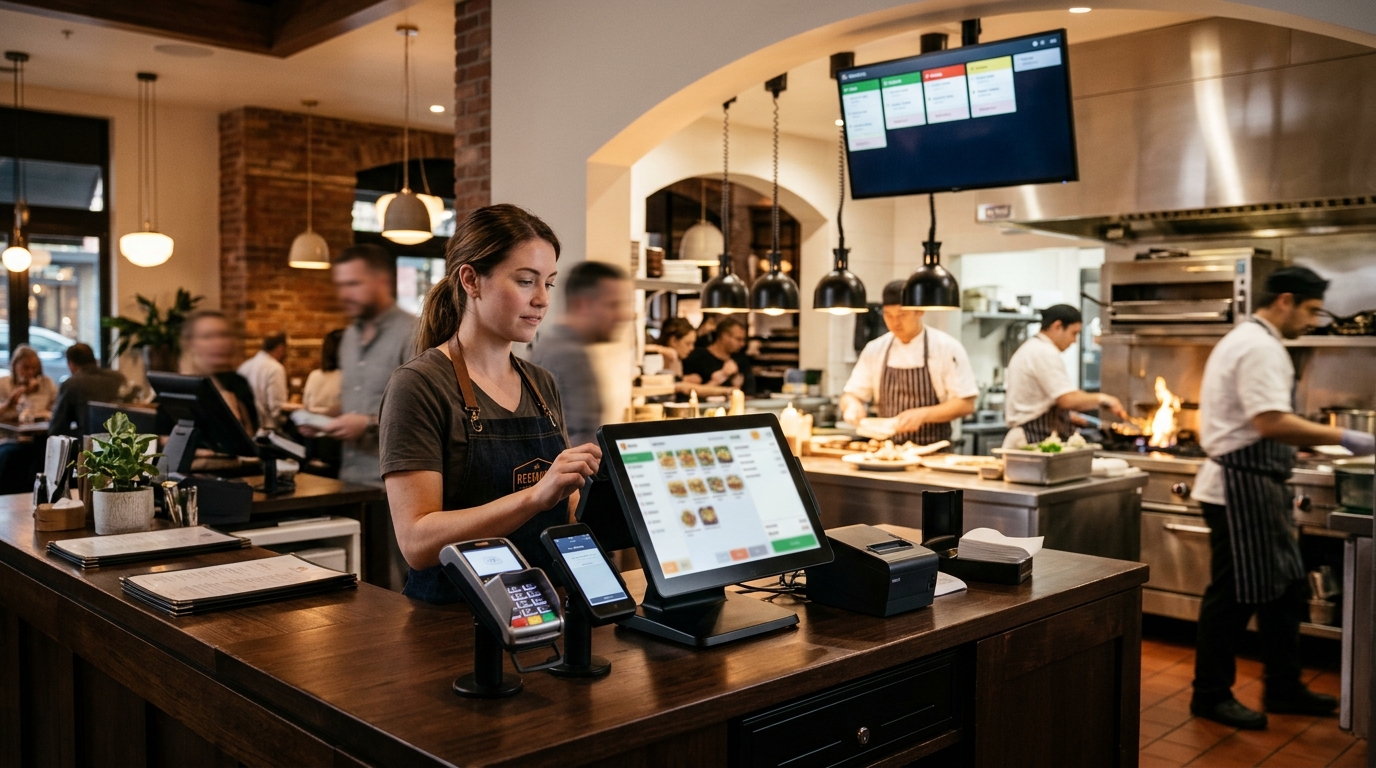
Restaurant POS systems combine software with devices such as touchscreen terminals, card readers, receipt printers, handheld ordering equipment, and kitchen display screens. The exact setup depends on the restaurant’s size, service style, order volume, and budget. Understanding how these parts work together makes it easier to choose a system that supports daily operations without paying for equipment or features the business does not need.
How Restaurant POS Systems Work
A restaurant POS system manages the complete transaction process, from the moment a customer places an order to the moment the sale appears in the restaurant’s reports.
1. Staff Enter Customer Orders
The process starts when a cashier or server enters an order into the POS terminal or handheld device. The employee selects menu items, adds modifiers, enters special instructions, and assigns the order to a table or service type.
For example, a customer orders a cheeseburger with no onions, fries, and a soft drink. The employee enters each item and records the customer’s preference. The system keeps these details together instead of relying on handwritten notes or verbal instructions.
2. Orders Reach the Kitchen
Once the employee submits the order, the POS sends it to the kitchen through a kitchen display system (KDS) or kitchen printer.
Kitchen staff see the items, modifiers, and preparation instructions. They can organize incoming tickets and track order progress. This reduces confusion between the front counter and kitchen, especially during lunch and dinner rushes.
3. The Restaurant Processes Payment
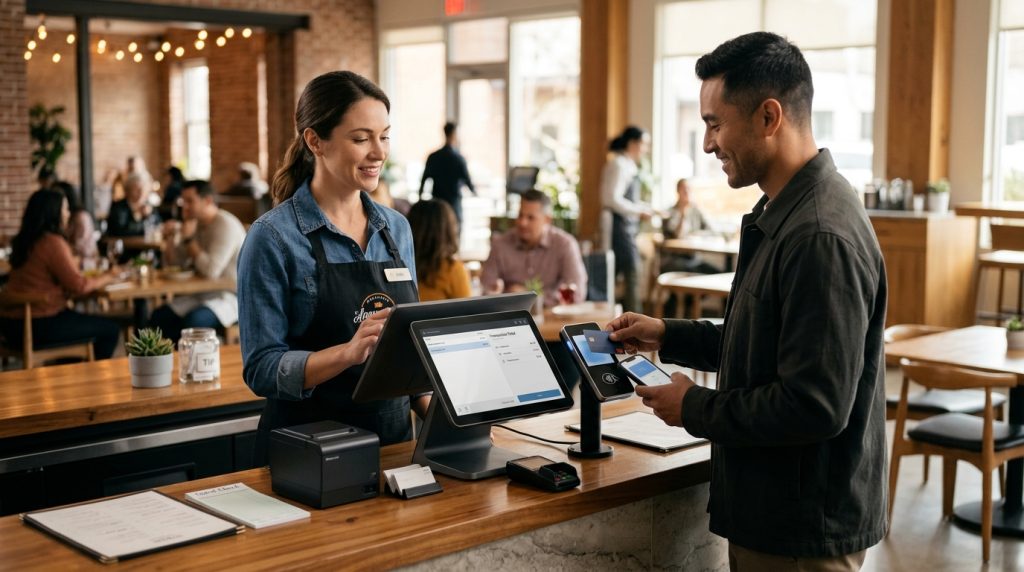
When the customer is ready to pay, the POS calculates the total, including taxes, discounts, and applicable charges. The payment terminal accepts supported methods such as chip cards, contactless cards, and mobile wallets.
For table service, staff may split a bill, accept multiple payment methods, or add a tip. The POS records the transaction and updates the sales information.
4. Sales and Inventory Records Update
The system stores transaction details and makes them available through its reporting tools. Depending on the software and inventory configuration, each sale may update ingredient or product stock levels.
For example, a restaurant manager reviewing the day’s sales sees how many burgers, drinks, and side orders were sold. Inventory records help the team monitor stock and plan purchases.
5. Managers Review Business Reports
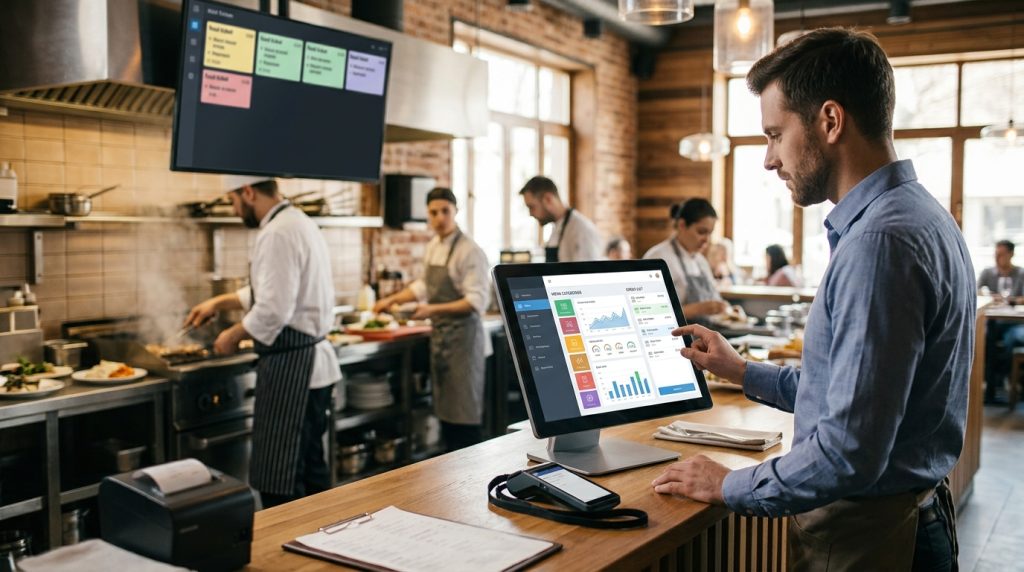
Restaurant owners and managers use POS dashboards to review sales, payment activity, employee performance, and menu performance. Cloud-based systems provide access to business information through supported devices and user accounts.
These reports help managers make decisions about staffing, menu pricing, purchasing, and operating hours.
Essential Features of Restaurant POS Systems
Not every restaurant needs the same software features. A fast-food counter has different requirements from a full-service restaurant with table service. However, several tools matter when comparing systems.
Order Management
Order management allows staff to record orders at the counter or at the table. The feature supports menu modifiers, extra options, and special requests. It also supports order types such as dine-in, takeout, and delivery.
Clear menu organization reduces errors and supports faster service. Restaurants should check whether the system supports menu item options and order modifiers.
Table and Floor Management
Table management helps full-service restaurants organize seating and connect orders with specific tables. Staff can view table assignments, manage open checks, and transfer orders when guests move.
This feature is especially useful for restaurants with multiple dining sections or busy seating periods. Quick-service restaurants with counter ordering may not need advanced floor management.
Kitchen Display System Integration
A kitchen display system replaces or supports printed kitchen tickets with a digital order screen. Orders appear on the kitchen display as soon as staff submit them through the POS.
Kitchen teams use the screen to review preparation details and monitor order progress. Restaurants with several preparation stations should check whether the POS supports separate order routing for areas such as the grill, drinks, and desserts.
Payment Processing
Payment processing allows restaurants to accept customer payments through connected terminals. Look for support for EMV chip cards, contactless payments, and mobile wallets.
The payment setup should match the restaurant’s checkout process. Counter-service businesses need fast payment at the register, while full-service restaurants benefit from handheld devices that support tableside payment.
Inventory Management
Inventory tools help restaurant managers monitor stock levels and identify products that need replenishment. Depending on the system, features include stock adjustments, low-stock alerts, ingredient tracking, and purchase management.
Restaurants should check how inventory tracking works before choosing a POS. Some systems track finished menu items, while more advanced configurations support ingredient-level monitoring and recipe-based deductions.
Employee Management and Permissions
Employee management features help owners organize staff access and monitor activity. Individual logins and role-based permissions limit access to actions such as refunds, discounts, price changes, and voided transactions.
Some POS platforms include time-clock and scheduling features. Others require an additional module or a separate integration.
Sales Reporting and Analytics
Sales reporting and analytics allow managers to track:
- Daily, weekly, and monthly sales
- Sales by menu item
- Order volumes by service type
- Employee sales activity
- Payment method performance
- Sales by hour or time period
These reports support decisions about menu pricing, staffing, peak hours, and promotions.
Online Ordering and Delivery Integration
Online ordering allows customers to place orders through a restaurant’s online ordering page. Some systems also connect with delivery platforms so online orders flow directly into the POS.
Restaurants should confirm that orders from each channel appear within the same order list to avoid duplicate order entry at the counter.
Hardware Needed for Restaurant POS Systems
A restaurant POS setup includes software and compatible hardware. The required hardware depends on service style, order volume, and check payment method. Larger restaurants with multiple service areas need more equipment than a small takeout counter.
Touchscreen POS Terminal
Touchscreen terminals serve as the main control point for entering orders, managing menus, and processing transactions. Counter-service restaurants often use one or more fixed terminals, while larger restaurants need additional stations to support different service areas.
USPayrun offers several terminal options, including its Wing 15.6-inch touchscreen and dual-touch POS terminals with listed prices of $699 and $799. The suitable choice depends on the restaurant’s counter space, service model, and the need for dual-customer display.
Payment Terminal
A payment terminal reads customer cards and digital wallets. Restaurants use a countertop terminal at registers and handheld devices for tableside service.
When selecting payment hardware, check that it accepts EMV chip cards, contactless cards, and mobile wallets.
Receipt Printer
Receipt printers produce customer receipts and kitchen order tickets. A kitchen printer may be useful for restaurants without a kitchen display system.
Choose thermal printers for faster printing and clear order output.
Kitchen Display System
Kitchen display hardware shows digital orders on a screen in the kitchen or preparation areas. It replaces paper tickets in restaurants using a KDS.
Large or busy restaurants may use separate displays for different preparation stations. USPayrun lists its touch kitchen display at $995 with a pricing note that it is available only with POS services, and it supports orders for different preparation areas.
Handheld Devices and Mobile Terminals
Handheld devices allow servers to record orders at the table and complete payments without returning to a fixed terminal. They support faster table turns in full-service restaurants.
Portable payment terminals also support payment at the table, at curbside pickup, or at delivery points depending on the software configuration.
Cash Drawers
A cash drawer stores notes and coins for cash transactions. Most drawers connect to receipt printers and open only when the POS records a sale or makes the change.
Restaurants that accept cash should confirm the drawer fits the counter layout and works with the selected POS terminal.
| Hardware | Listed price |
|---|---|
| Wing 15.6-inch dual-touch POS | $799 |
| Wing 15.6-inch touchscreen POS | $699 |
| Self-order kiosk | $1,699 |
| Touch kitchen display | $995 |
How Much Do Restaurant POS Systems Cost?
This section reviews the main components that determine the total price.
Restaurant owners should review five main cost categories before selecting a provider.
Software Subscription
Many POS providers charge a monthly software subscription per location and per terminal.
The plan depends on the provider and included features. Restaurants should confirm the monthly charge and what features are included in the plan.
Payment Processing Fees
Payment processing fees apply to card transactions processed through the POS. Rates vary by provider and card type.
Monthly processing volume affects total cost. Restaurants should compare fees as part of the overall calculation.
Hardware
Hardware costs depend on the setup. Some providers sell terminals, printers, and KDS hardware independently, while others offer a hardware bundle.
Hardware pricing varies by provider and configuration. USPayrun lists its Wing 15.6-inch dual-touch POS at $799 and Wing 15.6-inch touchscreen POS at $699. Its self-order kiosk is listed at $1,699, and its touch kitchen display is listed at $995.
Installation and Training
Some providers charge for installation, menu setup, and staff training. Support may be included or available through a separate plan.
Restaurants should ask about these costs before they start using the system.
Ongoing Support
Ongoing fees may include software updates, technical support, warranty coverage, or customer support.
These costs vary by provider and selected support plan.
| Cost component | Description |
|---|---|
| Software | Monthly subscription charges per location or per terminal |
| Processing | Transaction charges that depend on the provider, card type, and sales volume |
| Hardware | One-time hardware purchase cost |
| Setup and training | Costs for installation, menu configuration, and staff training |
| Support | Charges for support, warranty, and later software updates |
Example Restaurant POS Setups and Costs
The examples below use USPayrun’s current hardware listings.
Hardware prices are based on the USPayrun listings referenced in this article.
| Setup | Hardware | Hardware total |
|---|---|---|
| Small takeout counter | One Wing 15.6-inch touchscreen POS ($699) and payment terminal | $699 plus payment terminal |
| Full-service restaurant | One Wing 15.6-inch dual-touch POS ($799), one touch kitchen display ($995), and handheld terminals | $1,794 plus handheld terminals |
| Restaurant with self-ordering | One Wing 15.6-inch touchscreen POS ($699), one self-order kiosk ($1,699), and one touch kitchen display ($995) | $3,393 plus payment terminal |
How to Choose the Right Restaurant POS System
Restaurant owners should confirm the following points before they buy a system.
- Confirm that the POS supports the service model, such as counter service, dine-in, takeout, or delivery.
- Confirm the software includes required features, such as inventory tracking, order modifiers, table management, and online ordering.
- Confirm that the payment hardware supports EMV chip cards, contactless payments, and mobile wallets.
- Compare prices and software plans so that the selected system fits within budget and supports future growth.
- Confirm whether the system supports a kitchen display system or kitchen printer for their preparation areas.
- Ask about hardware costs and confirm whether items should be purchased separately or as part of a bundle.
- Ask about setup, training, customer support, and warranty coverage.
- Check whether new features, devices, or ordering methods can be enabled in the future.
Visit USPayrun to see the POS hardware for restaurants, such as the Wing POS terminals, self-order kiosks, touch kitchen display screens, and payment terminals.
To learn more about USPayrun’s POS options, call (860) 844-3611.
A restaurant POS system records customer orders, manages payments, helps staff provide the correct orders to the correct customers, and tracks sales and stock. Restaurants should choose the software, terminal, kitchen display, and payment setup that fits their size, required features, and future growth. As order volumes or programs change, POS setups should be reviewed and adjusted.
Frequently Asked Questions
1. What is a restaurant POS system?
A restaurant POS system combines software and hardware to manage orders, payments, sales records, and restaurant operations.
2. How much does a restaurant POS system cost?
The cost depends on subscriptions, payment processing activity, hardware, installation, training, and support. Hardware costs also vary by provider. USPayrun’s listed prices include $799 for its Wing 15.6-inch dual-touch POS, $699 for its Wing 15.6-inch touchscreen POS, $1,699 for its self-order kiosk, and $995 for its touch kitchen display.
3. Does a restaurant POS system manage inventory?
Many POS systems include inventory tools. Some systems track finished items, while advanced configurations provide ingredient-level and recipe-based monitoring.
4. Can a restaurant POS system accept online orders?
Some restaurant POS systems support online ordering or delivery platform integration. Online orders can be sent directly into the system, making it easier to manage orders from multiple channels.
5. What hardware do restaurants need for a POS?
Most restaurants use a touchscreen terminal, a payment terminal, and a receipt printer. Some restaurant setups also use a kitchen display, handheld devices, a cash drawer, or self-order kiosks.
6. Is a cloud-based restaurant POS system suitable?
A cloud-based system may suit restaurants that need access to reports from multiple devices or addresses. Restaurant owners should confirm whether offline mode can be used when required.