
How a Small Business POS System Improves Restaurant Operations
A busy restaurant needs more than a cash register. Orders come in fast, tables turn over, and guests expect quick, accurate service. A small business pos system brings order taking, payments, and reporting together in one place, so staff spend less time on admin and more time serving guests.
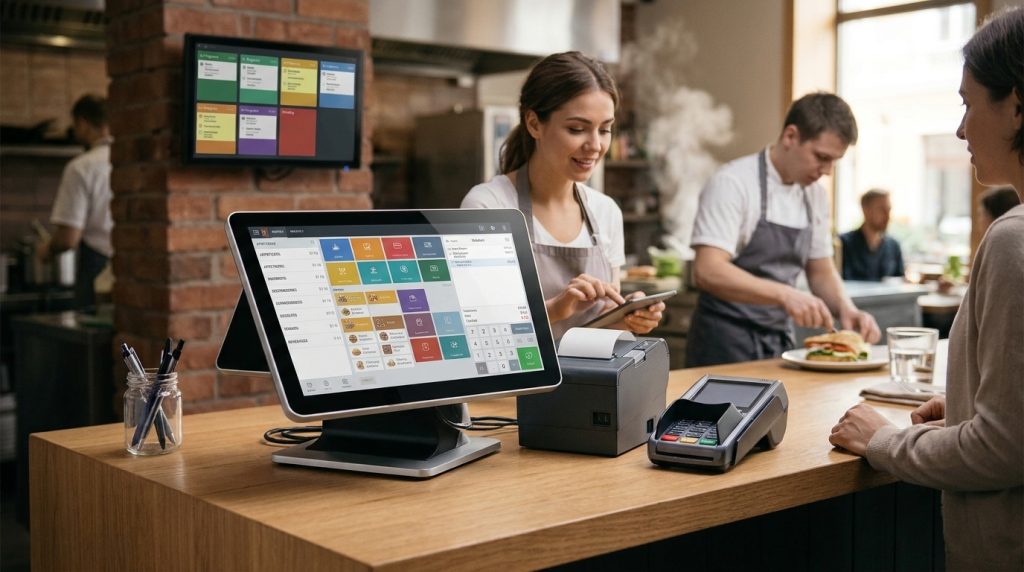
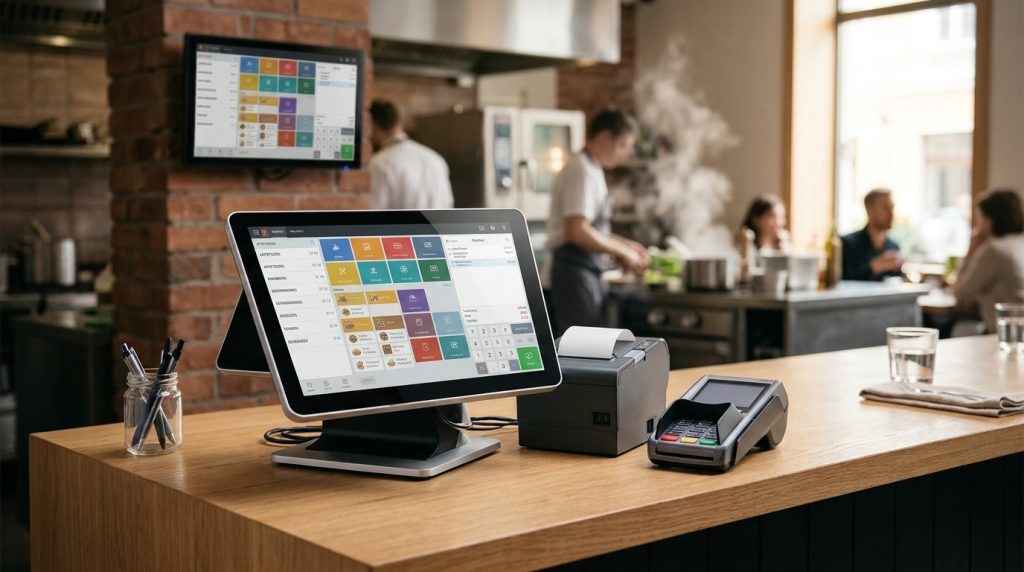
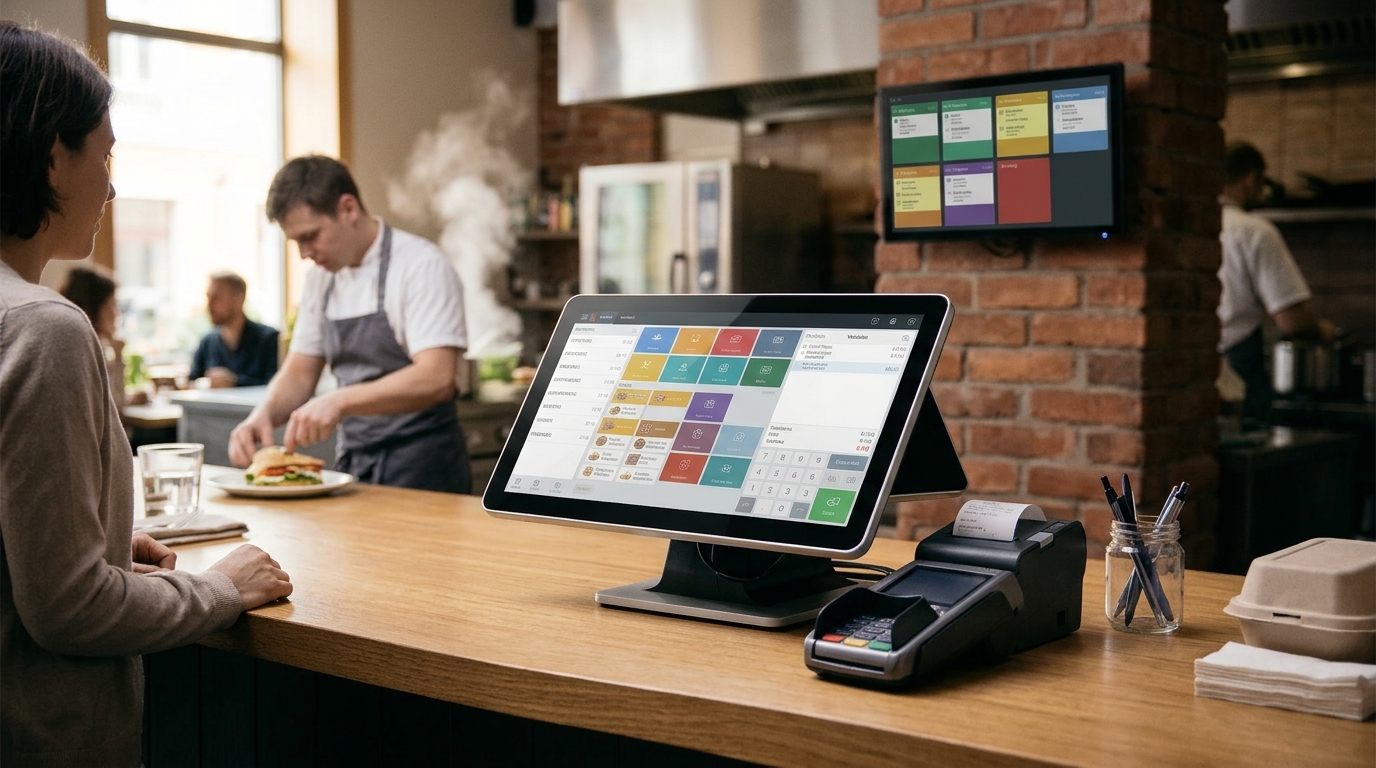
USPayrun provides POS solutions that help restaurants and small businesses manage orders, payments, inventory, and sales reports. With touchscreen terminals, handheld devices, kitchen display systems, and integrated payment processing, restaurant owners get the tools to handle daily transactions more efficiently.
Faster Order Taking at the Table
With a small business pos system, servers take orders on a handheld device at the table and send them straight to the kitchen. There is no retyping at a fixed terminal, fewer mistakes, and faster table turns. Guests get their food sooner, and staff can serve more tables during a busy shift.
Direct Kitchen Communication
Orders flow from the table to a kitchen display system in seconds. The kitchen sees each order clearly, with modifiers and timing, so dishes come out in the right order and food waste falls. When a dish is ready, the team knows at once, which keeps service smooth even at peak times.
Integrated Payment Processing
A small business pos system accepts cards, contactless payments, and mobile wallets at the table or the counter. Guests pay quickly, tips are recorded accurately, and end of day reconciliation takes minutes instead of hours. Split bills and shared checks are handled without confusion.
Inventory Tracking and Reporting
Every sale updates stock levels automatically. Owners see which dishes sell best, which ingredients run low, and when to reorder, which keeps the menu available and costs under control. Waste drops because the team orders what is actually needed.
Sales Reports That Help Restaurant Owners Make Better Decisions
Clear sales reports show peak hours, best selling items, and average order value. With a small business pos system, owners can plan staffing, adjust menus, and run promotions based on real numbers rather than guesswork. Weekly and monthly reports make it easy to spot trends and act on them.
POS Hardware for Different Restaurant Types
Counter service spots do well with a touchscreen terminal and a receipt printer. Full service restaurants add handheld devices and kitchen displays. Food trucks and cafes need compact, mobile hardware that works anywhere, and a small business pos system can scale from one terminal to several as the business grows.
Choosing the Right System
When choosing a small business pos system, look for simple setup, reliable hardware, clear pricing, and support that answers when service is busy. Test the ordering flow, check how refunds and split bills work, and make sure the system fits the way your team already works. Ask for a demo before you commit, and check that training is included.
Why Choose USPayrun for Your Restaurant POS System?
USPayrun combines restaurant POS hardware, payment processing, and reporting in one package. A small business pos system from USPayrun is built for busy dining rooms, with touchscreen terminals, handheld ordering, kitchen displays, and integrated payments. Support is available when you need it, so your team is never left on its own during service.
Get a Small Business POS System That Fits Your Restaurant
The right system should fit your menu, your space, and your budget. Talk to the USPayrun team about your restaurant and find a small business pos system setup that helps your team serve guests faster from day one.
Common Mistakes to Avoid When Setting Up a POS System
Many restaurants rush the setup and pay for it later. Do not skip staff training, because even the best hardware fails when the team is unsure how to use it. Do not choose a plan based on price alone, since missing features often cost more in the long run. Test the system during a real service before you go live, and check that your menu, taxes, and tip settings are correct. Keep a backup way to take payments in case of a connection problem, so service never stops.
How to Get Started with USPayrun
Getting started is simple. Share your menu, your seating, and how your team works, and the USPayrun team will suggest the right hardware and plan. Installation and training are part of the setup, so your staff can start taking orders with confidence. Once the system is live, reports and support help you keep improving service week after week.
Frequently Asked Questions
What Is a Small Business POS System?
It is a point of sale setup that combines hardware and software to take orders, process payments, track inventory, and report sales for a small restaurant or cafe.
How Much Does It Cost?
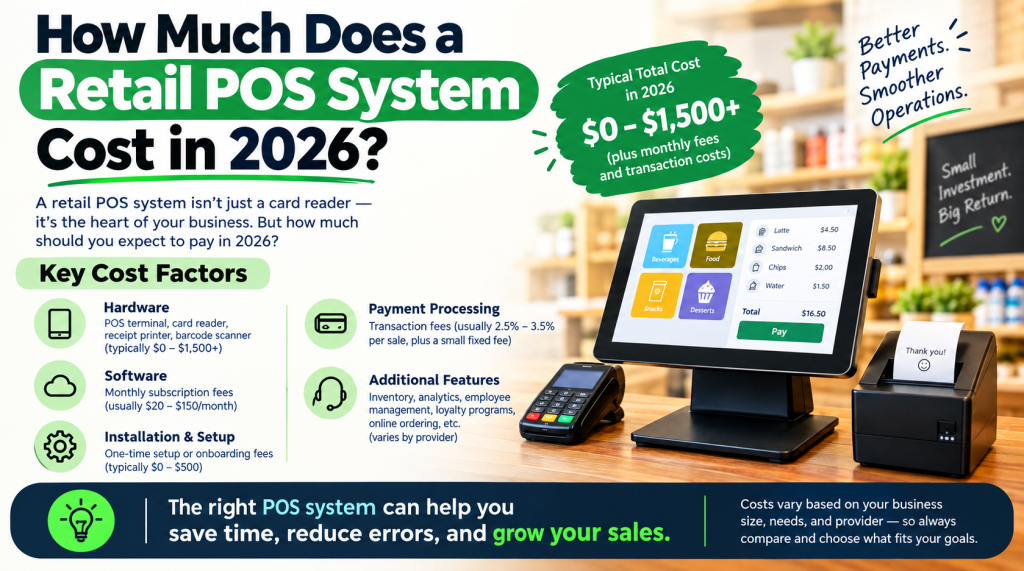
Costs vary by hardware and plan. Expect hardware costs up front plus a monthly software fee and payment processing fees. Ask for a clear quote before you commit, and check what is included.
Does It Work for Food Trucks and Cafes?
Yes. Compact terminals and handheld devices work well in small spaces and on the move, as long as there is a reliable connection. Mobile hardware lets staff take orders and payments anywhere on site.
Can It Accept Online Orders?
Many systems accept online orders and send them to the same kitchen display as in house orders. Check that online ordering is included in the plan you choose, and confirm how pickup and delivery orders are handled.
Can I Switch to a Small Business POS System Later?
Yes. Most providers help you move your menu, staff, and sales history over. Plan the switch for a quiet period and train staff before go live, so the change does not disrupt service.