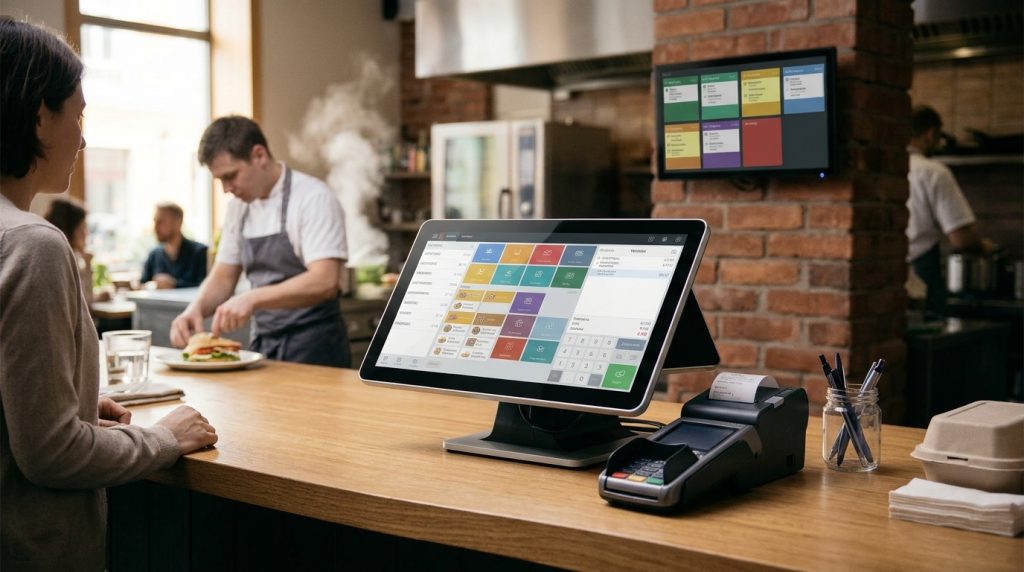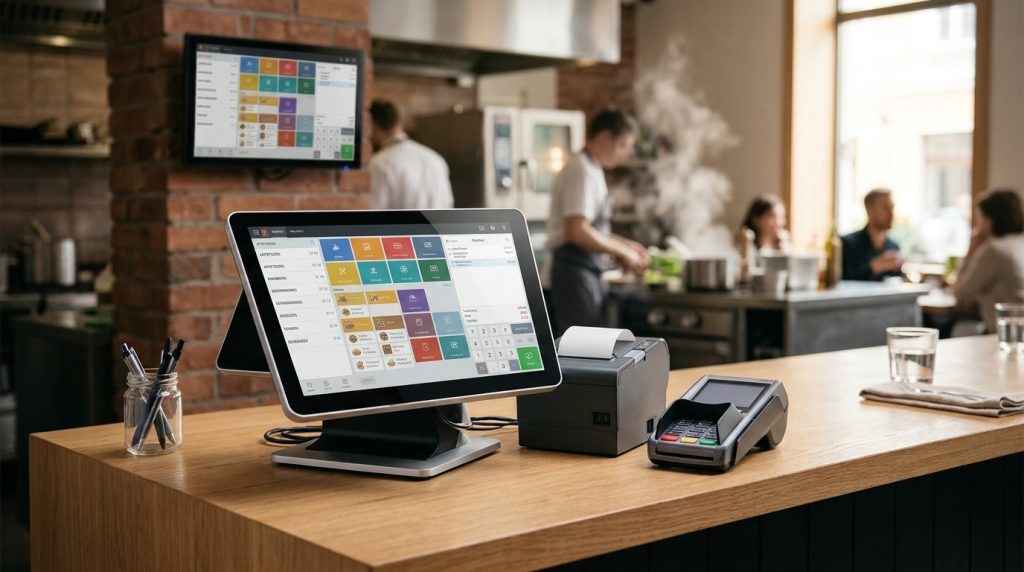

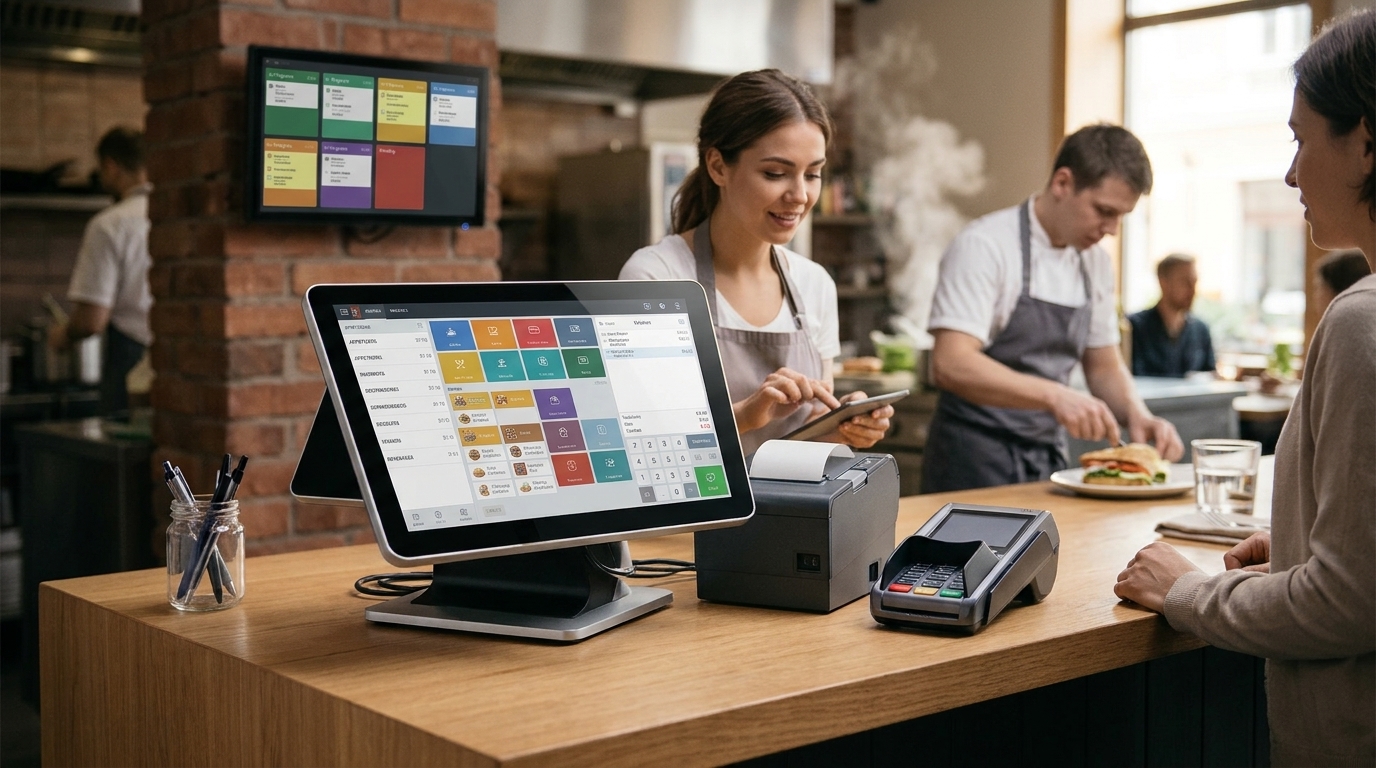
The best POS system for restaurants is one that matches the way a restaurant operates. It should handle orders accurately, process payments quickly, connect front-of-house staff with the kitchen, and provide useful sales reports. A small cafe, a fast-food restaurant, and a full-service dining establishment have different needs, so the right choice depends on the restaurant’s size, menu, service model, and budget.
Restaurant owners should compare more than the software price. Hardware costs, payment processing fees, online ordering, customer support, and contract terms all affect the value of a POS system. A well-matched setup helps staff manage daily tasks and gives owners better visibility into restaurant operations. When owners ask what is the best POS system for restaurants, the answer starts with the way their own restaurant works.
What Makes a Great Restaurant POS System?
A great restaurant POS system does the everyday work well. It takes orders without mistakes, sends them to the kitchen clearly, accepts payments in the ways customers want to pay, and records every sale so the owner can see what is selling. It should also be easy for new staff to learn, because a system that slows the team down during a busy service is not the right system, however many features it has.
Key Features to Look For in a Restaurant POS System
To decide what is the best POS system for restaurants for your business, start with the features you will use every day, not the longest list of features on a sales page.
Order and Table Management
Order and table management lets staff enter orders, change them, split bills, and move items between tables. It should be clear and fast, with menu items, modifiers, and prices easy to find.
Payment Processing Options
Payment processing should accept cards, contactless payments, and mobile wallets, and it should work reliably during a busy service. Check the processing rate and the per transaction fee, because these costs add up on every sale.
Kitchen Display Systems
A kitchen display system shows orders on a screen in the kitchen instead of on paper tickets. Orders appear in the order they were placed, staff can mark them as complete, and the front of house can see the status of each order.
Inventory and Stock Management
Inventory management tracks ingredients and stock as orders are sold. It can show when an item is running low and help reduce waste, but it is often an advanced feature, so check whether it is included in the plan you choose.
Reporting and Analytics
Reporting shows sales by day, by item, by staff member, and by payment type. Good reports help an owner see which dishes sell well, which times are busiest, and where money is being lost.
Customer Management and Loyalty
Customer management and loyalty tools keep track of repeat customers and rewards. They can support repeat visits, but they add to the monthly cost, so choose them only if you will use them.
Online Ordering Integration
Online ordering integration sends orders from your website or a delivery app straight to the POS. This saves staff from retyping orders and reduces mistakes.
Comparing Popular Restaurant POS Systems
Comparing systems is how you answer what is the best POS system for restaurants for your own business. The systems below are widely used in restaurants, and each one suits a different kind of operation.
Square POS
Square POS is known for simple setup and card payment processing. It suits small cafes, food trucks, and small restaurants that want to start quickly, with a free entry level plan and paid plans for more features.
Toast POS
Toast POS is built for restaurants, with order management, kitchen displays, and online ordering. It suits full service and quick service restaurants that want a system made for restaurant work.
Lightspeed POS
Lightspeed POS offers restaurant and retail tools, with inventory and reporting features. It suits restaurants that want detailed stock and sales reporting.
Clover POS
Clover POS offers hardware and software that can be shaped to a business, with an app market for extra features. It suits restaurants that want to add features as they grow.
US Payrun POS
US Payrun POS combines POS hardware, software, and payment processing for restaurants of different sizes. It suits restaurants that want a setup matched to their menu, service style, and budget, with support for installation and training.
How to Choose the Right POS System for Your Restaurant
Asking what is the best POS system for restaurants means asking what fits your restaurant, your staff, and your budget.
Identify Your Restaurant Type and Service Style
Start with your service style. A cafe needs speed and simple orders. A full service restaurant needs table management, bill splitting, and course timing. A food truck needs a mobile, reliable system that works in a small space.
Decide Which Features Are Essential
List the features you will use every day, such as order entry, payments, kitchen displays, and reporting. Treat other features as useful extras, not as reasons to choose a system.
Evaluate Pricing and Payment Processing Fees
Compare the full price, not just the monthly subscription. Add hardware, installation, training, and payment processing fees on your sales. A low monthly price can be offset by a high processing rate.
Check Support, Setup, and Contract Terms
Ask how installation works, how long training takes, and how you can reach support during service. Read the contract for its length, cancellation charges, and equipment return rules before you sign.
POS Costs and Pricing Models
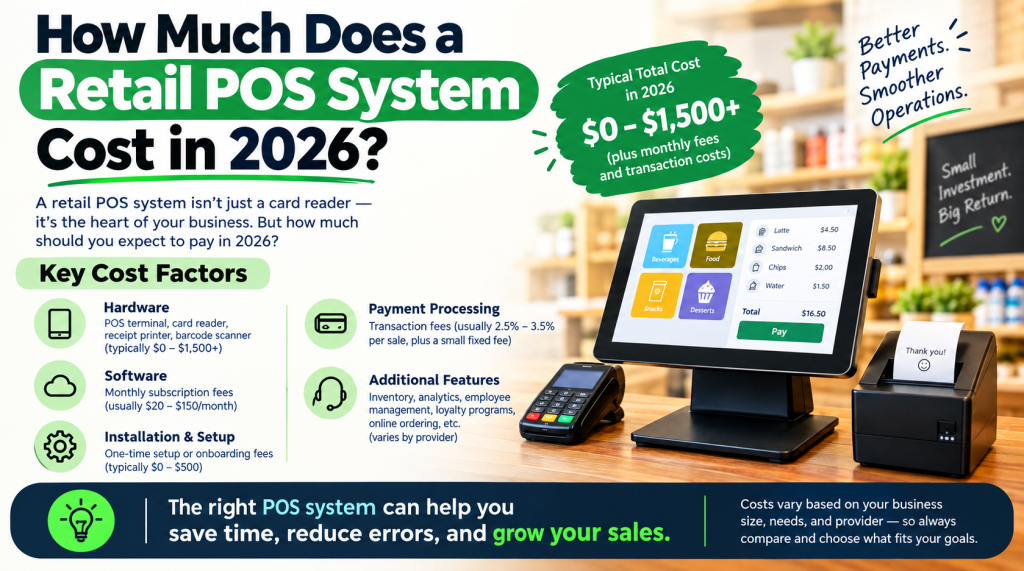
The price affects what is the best POS system for restaurants for a small business. Some systems charge a monthly subscription, some charge mainly through payment processing, and some charge for both. Hardware is usually a one time cost, software is usually a monthly cost, and processing fees are charged on card sales. The total cost depends on the size of the restaurant, the number of terminals, and the features you choose.
Common Mistakes to Avoid When Choosing a Restaurant POS System
A common mistake when deciding what is the best POS system for restaurants is choosing the cheapest monthly price without checking processing fees. Another mistake is choosing a system with features the restaurant will never use, or choosing a system that is hard for staff to learn. A third mistake is signing a long contract without checking the cancellation terms. Avoid these mistakes by testing the system, asking staff to try it, and reading the full price and contract before you commit.
What Is the Best POS System for Restaurants?
So, what is the best POS system for restaurants? It is the one that fits your restaurant type, your service style, your budget, and your team. For many restaurants, that means a system that handles orders and payments reliably, connects the front of house with the kitchen, shows clear sales reports, and comes with helpful support. US Payrun can help you compare your options and choose a setup that fits your restaurant, without paying for features you will not use.
FAQs
What is a restaurant POS system?
A restaurant POS system is the hardware and software a restaurant uses to take orders, send them to the kitchen, accept payments, and record sales. It usually includes a terminal, a receipt printer, and software for order entry, payments, and reporting.
What is the best POS system for restaurants?
What is the best POS system for restaurants depends on the restaurant. The best system for your restaurant is the one that matches your service style, your menu, your budget, and your staff, and that handles orders, payments, and reporting reliably every day.
How much does a restaurant POS system cost?
The cost depends on hardware, software subscriptions, and payment processing fees. Hardware is usually a one time cost, software is usually a monthly subscription, and processing fees are charged on card sales. The total depends on the size of the restaurant, the number of terminals, and the features you choose.
Do I need a POS system for a small cafe or food truck?
Yes. Even a small cafe or food truck benefits from a POS system. It speeds up orders and payments, records sales, and shows what is selling. When deciding what is the best POS system for restaurants of this size, choose a simple, mobile system that is easy to learn and reliable during busy times.
Can I change my POS system later?
Yes, you can change your POS system, but it takes time to move the menu, train staff, and set up new hardware and payments. Before you switch, check the cancellation terms of your current contract and any equipment return rules, so you know the full cost of the change.