
Running a restaurant means managing many small decisions every day. Orders, staff, inventory, and customer service all need your attention, and the tools you use can make those jobs easier or harder. One of the first tools most restaurant owners think about is a point of sale, or POS, system.
Before you commit to one, it helps to understand what it actually costs to run a POS system in your restaurant. The cost of POS systems for restaurants is more than a single monthly payment, so it is important to know what you are paying for.
From POS hardware and software to transaction fees and other expenses, we will break down the factors that determine the cost of POS system for restaurant owners and help you find a solution that fits your budget.
Understanding Restaurant POS System Costs
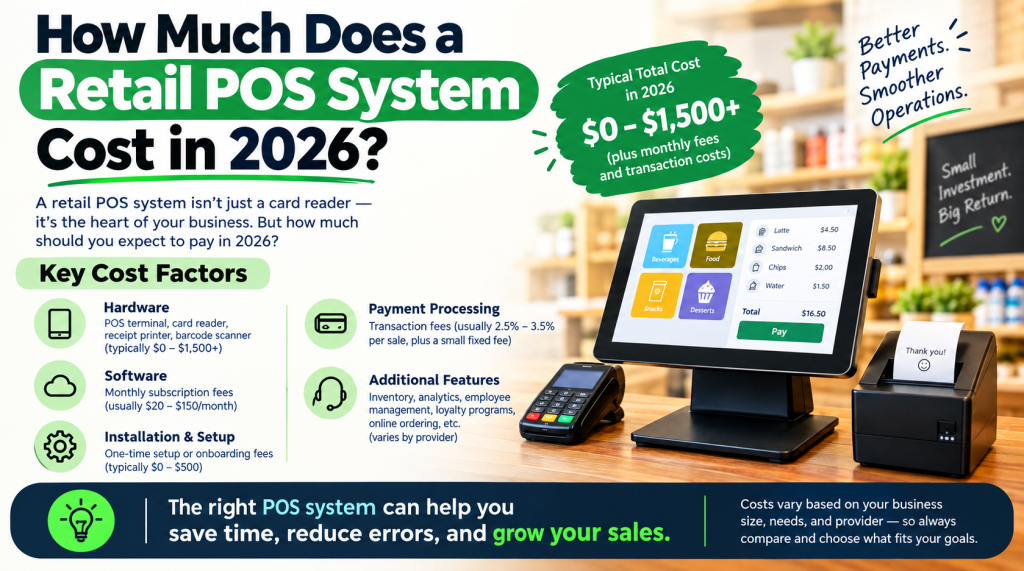
A POS system is not one product. It is a combination of hardware, software, payment processing, setup, and support. Each part has its own price, and the total cost of POS systems for restaurants depends on the size of the restaurant, the number of terminals, the features you need, and the way you take payments.
1. Restaurant POS Hardware Costs
Hardware is usually a one time purchase, although some providers offer it on a monthly plan. The cost of POS systems for restaurants often starts with the hardware you need at the counter and in the kitchen.
POS Terminals and Touchscreen Registers
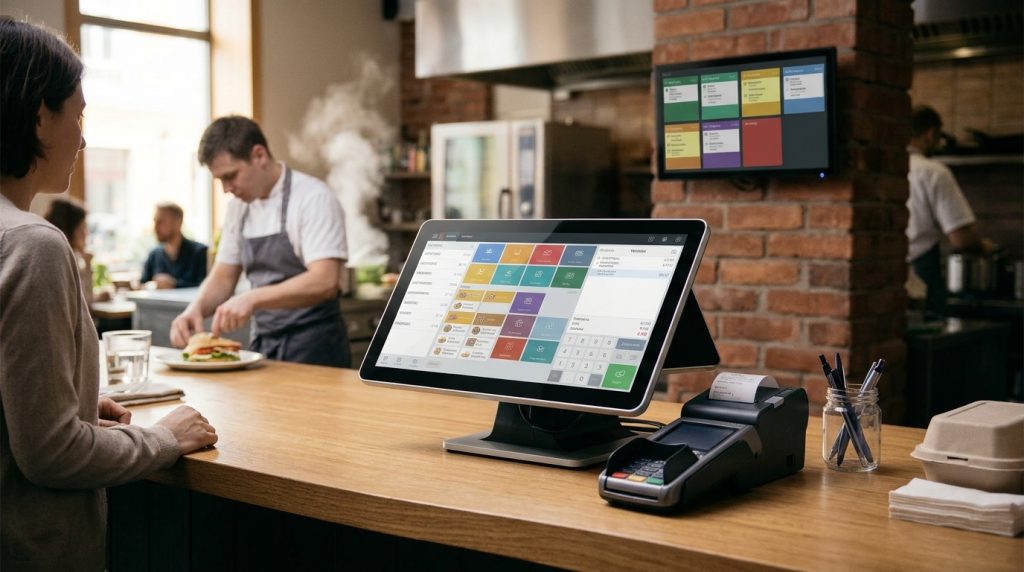
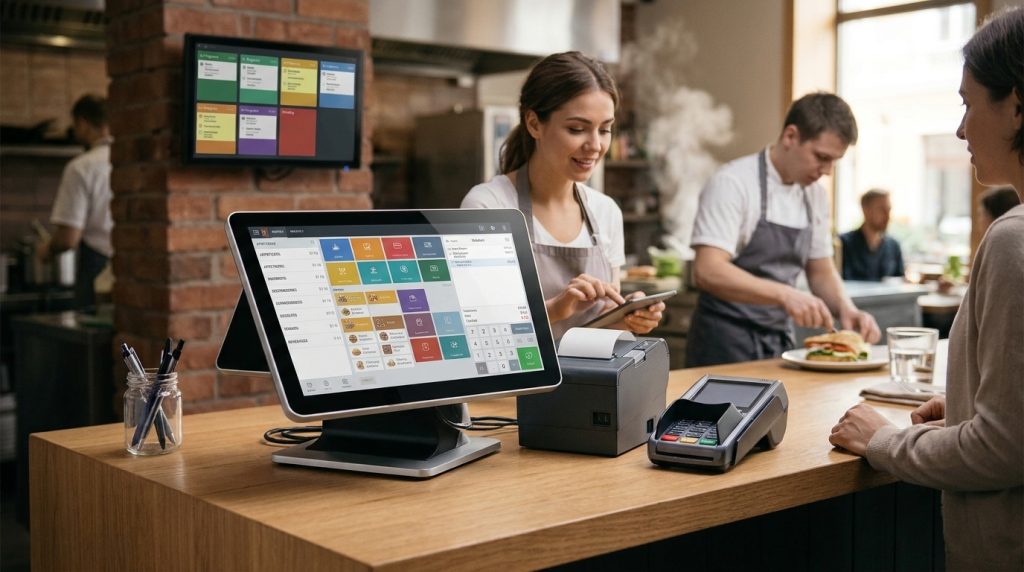
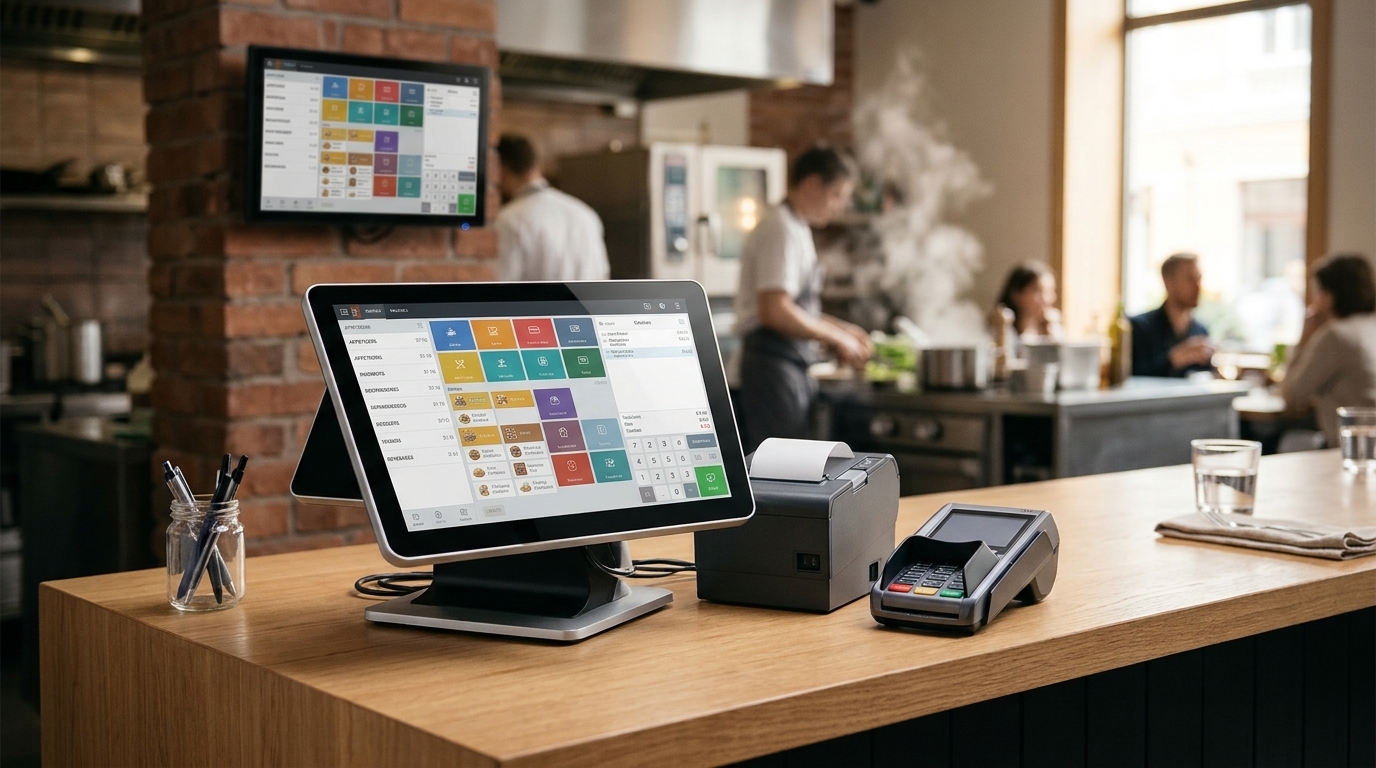
The terminal is the main device your staff use to take orders and accept payments. A touchscreen register is faster to learn than a traditional cash register, and it can show the menu, modifiers, and order totals in one place.
Receipt Printers
Receipt printers produce printed receipts for customers and order tickets for the kitchen or bar. A reliable printer matters during a busy service, because a slow or faulty printer can hold up orders.
Cash Drawers
A cash drawer stores cash safely and opens only when a sale is made. It is a simple piece of equipment, but it is still part of the hardware cost for a restaurant that accepts cash.
Kitchen Display Systems
A kitchen display system replaces paper tickets with a screen in the kitchen. Orders appear in order, staff can mark them as complete, and the front of house can see the status of each order.
Handheld POS Devices
Handheld devices let staff take orders and payments at the table. They can reduce waiting time and mistakes, especially in full service restaurants, cafes, and bars with outdoor seating.
2. Restaurant POS Software Subscription Costs
POS software controls the functions that make a restaurant’s daily operations easier to manage. It handles order entry, menu management, payment records, sales reporting, employee permissions, and other restaurant activities.
Some providers offer free entry level plans, while others charge monthly subscription fees. Advanced plans may include inventory management, customer loyalty programs, online ordering, employee scheduling, and multi location reporting.
The subscription price is a large part of the cost of POS system for restaurant owners. For example, Toast advertises a Starter Kit starting at $0 per month and a paid Point of Sale plan starting at $69 per month. Square offers a free entry level POS plan, with paid plans for additional features. These starting prices do not represent the complete cost of operating a restaurant POS system.
Before selecting a software plan, check whether the price includes the features your restaurant needs. Confirm charges for additional terminals, kitchen displays, online ordering, and third party integrations.
Features That Affect POS Software Pricing
Restaurant POS software can include several operational tools. Basic systems handle order entry and payment processing, while advanced platforms support more complex restaurant workflows. Important features include order and table management, menu and modifier management, sales reporting, inventory tracking, staff permissions, online ordering, and customer loyalty tools. Each added feature can change the monthly price.
3. Payment Processing Fees
Payment processing fees are often the largest ongoing part of the cost of POS systems for restaurants. Every time a customer pays by card, a percentage of the sale and a small per transaction fee go to the payment processor.
Common Types of Payment Processing Fees
The most common fee is a percentage of each card transaction, plus a fixed amount per transaction. Some providers also charge a monthly fee, a fee for chargebacks, or a higher rate for cards that are typed in by hand instead of tapped or swiped. The total you pay depends on your sales volume, your average order value, and the types of cards your customers use.
4. Installation, Setup, and Staff Training Costs
Installation, setup and training add to the cost of POS systems for restaurants. A new system needs to be installed, connected to the internet and printers, loaded with the menu, and tested before the first service. Staff need training on taking orders, applying discounts, splitting bills, and handling refunds. Good support during this stage can save time and reduce mistakes later.
5. Additional POS Expenses Restaurants Should Consider
These extras can raise the cost of POS systems for restaurants if they are not planned for in advance.
Online Ordering and Delivery Integrations
Online ordering and delivery integrations let customers order from your website or a delivery app and send those orders straight to the POS. Some integrations are included in a plan, while others are charged separately.
Inventory Management
Inventory management tracks ingredients and stock levels as orders are sold. It can help reduce waste and show when an item is running low, but it is often an advanced feature.
Customer Loyalty and Marketing
Loyalty and marketing tools help you stay in touch with repeat customers, offer rewards, and send promotions. They can support repeat visits, but they add to the monthly cost.
Equipment Replacement and Maintenance
Hardware wears out, screens crack, and printers fail. Budget for repairs and replacements, and check whether your provider offers a warranty or a replacement service.
Contract and Cancellation Charges
Some providers ask you to sign a contract for a set period. Read the terms before you sign, and check for early cancellation charges, equipment return rules, and any fees for ending the agreement.
How Much Does a Restaurant POS System Cost in Total?
To work out the total cost of POS system for restaurant use, add the one time hardware cost to the monthly software subscription, then add payment processing fees on your sales. A small cafe with one terminal will usually pay less than a busy full service restaurant with several terminals, kitchen displays, handheld devices, and online ordering.
Example: Calculating Monthly POS Expenses
Start with the monthly software subscription for the number of terminals you need. Add any charges for online ordering, inventory, or loyalty features. Then estimate payment processing fees from your monthly card sales. The result is your monthly POS expense before the one time hardware cost, installation, and training.
How to Choose a POS System That Fits Your Restaurant Budget
Comparing the cost of POS systems for restaurants is easier when you compare the same things from each provider. List the equipment you need, the features you will use every day, and the support you expect.
Identify Your Restaurant’s Equipment Requirements
Count the terminals, printers, kitchen displays, and handheld devices you need for a normal service, not just for a quiet day. A system that is too small will slow your team down.
Compare Payment Processing Agreements
Ask each provider for the full processing rate, the per transaction fee, and any monthly or chargeback fees. A low monthly software price can be offset by a high processing rate.
Review Software Features and Upgrade Costs
Check which features are included and which cost extra. Ask what happens when you add a terminal, a location, or a feature later, and what the upgrade will cost.
Evaluate Installation and Customer Support
Ask how installation works, how long training takes, and how you can reach support during service. Fast, helpful support is worth paying for in a restaurant.
Reduce Your Restaurant POS Expenses with US Payrun
US Payrun helps restaurants control the cost of POS systems for restaurants by combining POS hardware, software, and payment processing in a way that fits the size and needs of each restaurant. Instead of paying for features you will not use, you can choose a setup that matches your menu, your service style, and your budget.
Make a Smarter Investment in Your Restaurant POS System
Understanding the cost of POS system for restaurant use is the first step to choosing the right system. Look at the full cost, not just the monthly subscription, and compare hardware, software, processing fees, and support together. A system that fits your restaurant will save your team time, reduce mistakes, and make it easier to serve your customers well.
FAQs
How much does a POS system cost for a restaurant?
The cost of POS system for restaurant use depends on hardware, software subscriptions, and payment processing fees. Hardware is usually a one time cost, software is usually a monthly subscription, and processing fees are charged on card sales. The total depends on the size of the restaurant, the number of terminals, and the features you choose.
What hardware does a restaurant POS system need?
Most restaurants need a POS terminal or touchscreen register, a receipt printer, and a cash drawer. Many also use a kitchen display system and handheld devices for taking orders at the table. The exact hardware depends on your service style and the size of your restaurant.
Are restaurant POS software subscriptions free?
Some providers offer free entry level plans, but most full restaurant POS software is charged monthly. Free plans usually have fewer features, and you may need a paid plan for inventory, online ordering, loyalty tools, or multi location reporting.
What are POS payment processing fees?
Payment processing fees are the charges a processor takes when a customer pays by card. They usually include a percentage of the sale plus a small fee for each transaction. The total depends on your sales volume, average order value, and card types.
Does US Payrun provide restaurant POS installation and training?
Yes. US Payrun supports restaurants with POS setup, installation, and staff training, so your team can start using the system with confidence. Contact US Payrun to discuss the setup that fits your restaurant.